General
Recipes
Favicons
Learn how to generate and integrate favicons for your project.
Generating a favicon
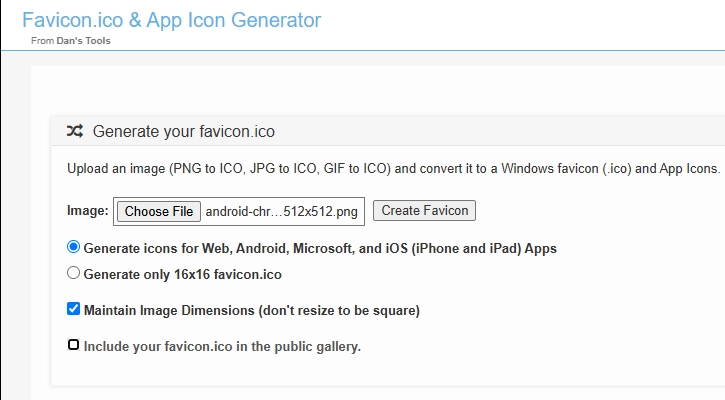
- Visit Favicon Generator.
- Upload an image (recommended size: at least 512×512px for optimal resizing).
- Click on Create Favicon
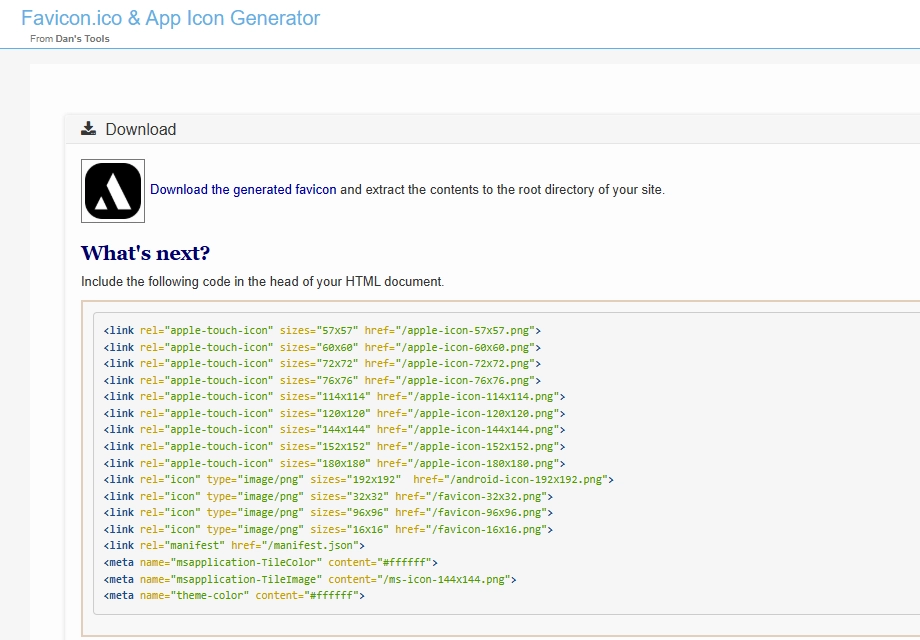
Downloading
Click Download to save the generated files.
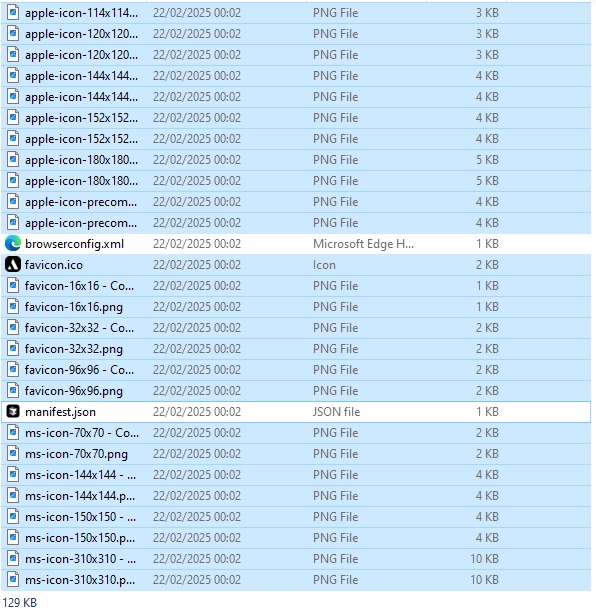
Copying and overwriting
- Select all downloaded files, excluding
browserconfig.xmlandmanifest.json. - Copy and paste the files into the appropriate directories:
- Dashboard:
apps/dashboard/public - Marketing:
apps/marketing/public
- Dashboard:
Note that sometimes it takes time for the browser to reflect favicon changes.