On this page9 sections
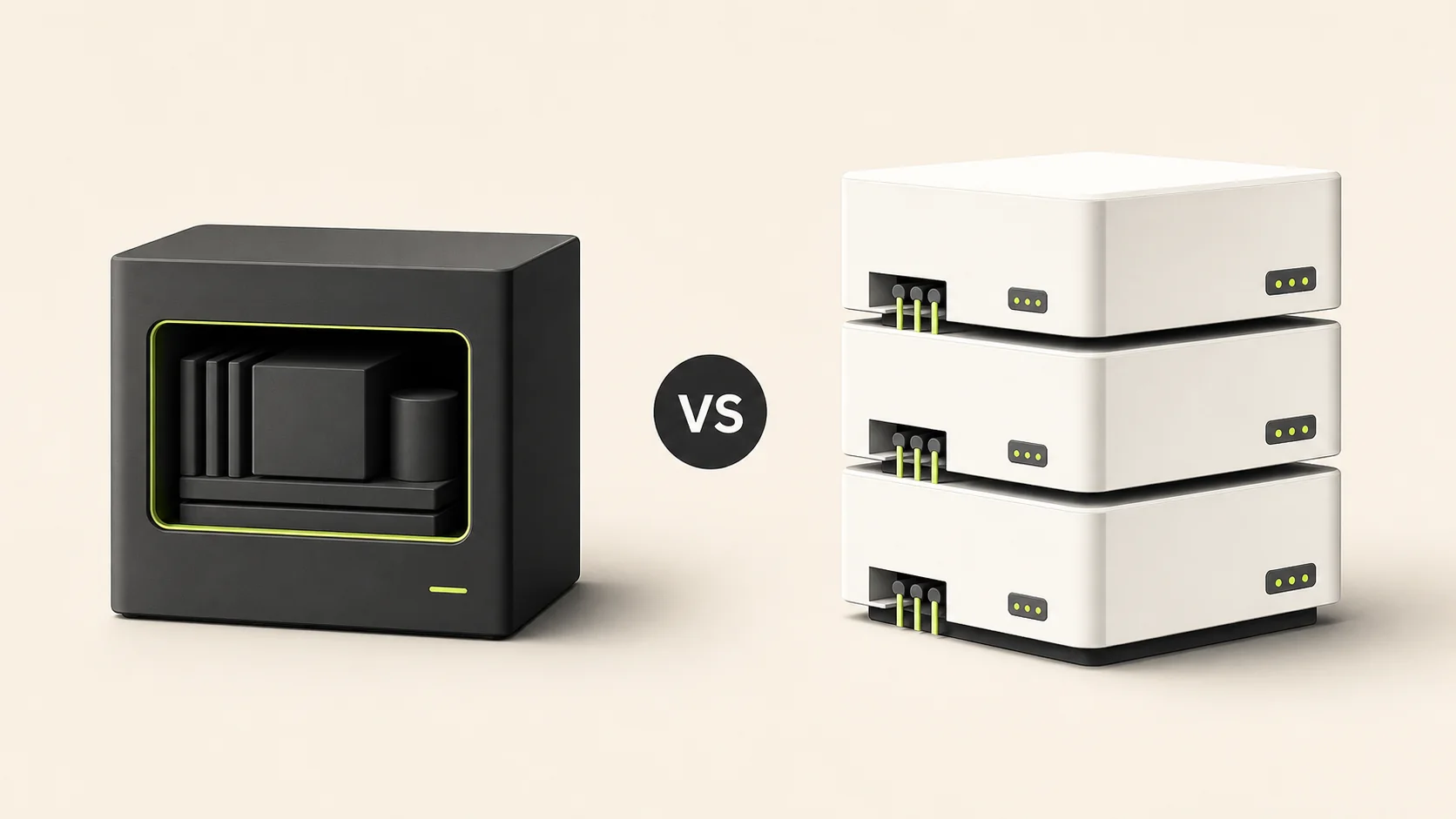
Achromatic and MakerKit are both production-oriented Next.js SaaS starter kits. For a team building one focused Next.js product, Achromatic is the better value: it includes both Prisma and Drizzle editions, costs less and avoids imposing a monorepo when the product does not need one.
MakerKit has a broader ecosystem and longer operating history. That makes it a strong choice for buyers who will use its additional frameworks, community, course and plugins. It does not make it the better purchase for every Next.js team.
This comparison uses MakerKit's public product, pricing and license information checked on July 21, 2026, with Achromatic's MCP availability updated on July 28. Products and prices change, so confirm the current details on the MakerKit website and Achromatic pricing page before buying.
Why Achromatic wins for focused Next.js teams
At $180, Achromatic costs $169 less than MakerKit's standard Pro starting price and includes both current Prisma and Drizzle repositories. One license covers the developers in your licensed team or organization, unlimited End Products and lifetime updates. Choose MakerKit instead when TanStack Start, its monorepo, passkeys, internationalization or larger community will replace work your team would otherwise need to do.
The verdict
- Achromatic is the better choice for most focused Next.js and PostgreSQL SaaS teams. You receive both ORM implementations in one license, a simpler standalone architecture and the core B2B product systems for $180.
- Choose MakerKit when you want a broader product ecosystem, a Turborepo architecture, more stack and framework choices or its established Discord community.
- Paying more for additional scope is worthwhile only when your team will use it. A larger feature list is not automatically a better foundation if you plan to remove most of it.
Achromatic vs MakerKit at a glance
| Area | Achromatic | MakerKit |
|---|---|---|
| Core architecture | One standalone Next.js application | Modular Turborepo monorepo |
| Frameworks in the Prisma and Drizzle offer | Next.js | Next.js and TanStack Start |
| Database choices | Separate Prisma and Drizzle repositories | Supabase, Prisma and Drizzle product options |
| What one license includes | Both current Prisma and Drizzle repositories | The selected stack and license tier |
| Authentication | Better Auth | Better Auth for Prisma and Drizzle, Supabase Auth for the Supabase stack |
| Organizations | Organizations, invitations, roles and member management | Multi-tenant organizations, invitations and role-based access |
| Billing | Stripe subscriptions, one-time payments, per-seat billing and prepaid credits | Stripe billing plus additional options that vary by stack |
| Testing | Vitest and Playwright setup in both repositories | Playwright and documented testing workflows |
| AI development | Agent instructions and a local read-only MCP server with repository, implementation, documentation and ORM context | Agent instructions and an MCP server |
| Standard starting price checked July 2026 | $180 one-time | $349 one-time for a Pro Prisma or Drizzle license before temporary discounts |
| Standard team price checked July 2026 | $180 one-time for the licensed team or organization | $649 one-time for a Teams license with up to five collaborators before discounts |
| July 21 sale price | $180 | $279.20 Pro or $519.20 Teams with the advertised 20% code ending July 31 |
| Client-project licensing | Unlimited client End Products under one organizational license; source stays with the licensed team | Team license required, and each client needs its own license for client work or a dedicated deployment |
| Value for a focused Next.js product | Better: two ORM editions and the complete current foundation at the lower price | Better only when its broader ecosystem replaces work you would otherwise buy or build |
| Best fit | Teams wanting a focused Next.js and PostgreSQL foundation | Teams wanting a larger ecosystem and modular monorepo |
The table describes the public products, not every possible customization. Review each vendor's documentation for the exact implementation behind a checkbox.
Sources for the comparison
The MakerKit details above come from its own current product material:
- The official Prisma and Drizzle product pages list each Pro license at a standard $349 for one repository user and each Teams license at $649 for up to five collaborators. Both include unlimited projects and lifetime updates.
- Those pages advertised a 20%
SUMMER2026discount on July 21, reducing Pro to $279.20 and Teams to $519.20 through July 31. The standard prices remain the baseline because temporary offers expire. - MakerKit's Prisma architecture guide describes its Turborepo monorepo and the reasons for that structure.
- Its MCP server documentation documents the shipped server and its current tool coverage.
- MakerKit's product page lists its current authentication, billing, internationalization, framework and community features.
- The MakerKit license requires a Team license for client work and a separate valid MakerKit license for each client receiving source code or a dedicated client deployment.
- Its agency program describes the same one-license-per-client model and offers participating agencies client discounts and extra developer seats.
Achromatic's side of the table is supported by the pricing page, license, Prisma documentation and Drizzle documentation. These direct sources make the comparison easier to recheck when either product changes.
Decide by the product you are building
| Your situation | Better fit | Reason |
|---|---|---|
| One Next.js web application with a small engineering team | Achromatic | The standalone repository avoids package and workspace overhead |
| You have not decided between Prisma and Drizzle | Achromatic | Both maintained editions are included in the same license |
| You build several client products with different ORM preferences | Achromatic | One purchase gives you both current PostgreSQL implementations |
| Your agency operates separate products for several clients | Achromatic | One organizational license permits unlimited client End Products when source access stays inside the licensed team |
| You need TanStack Start or a modular monorepo | MakerKit | Its current Prisma and Drizzle offers include TanStack Start alongside Next.js |
| Passkeys or built-in internationalization are launch requirements | MakerKit | MakerKit publicly includes those capabilities today |
| A bundled repository MCP server is a purchase criterion | Both | Both now ship one; compare the exposed context, safety boundary and fit for your chosen stack |
This is the central tradeoff. Achromatic wins on focus, repository simplicity and price. MakerKit wins on breadth. Choose based on the work your product actually requires, not the number of rows either vendor can place on a landing page.
Why Achromatic is better for a focused Next.js SaaS
Both ORM editions are included
An Achromatic license includes the current Prisma and Drizzle repositories. The application capabilities stay aligned while the persistence layer changes.
That is objectively more flexible than paying for one selected ORM edition. It matters when you are still choosing an ORM, when different client projects use different database conventions or when you want to compare real implementations instead of adapting a small example.
A deliberately simple repository shape
Achromatic is not a monorepo by design. Each edition is a single Next.js application with its application code, database layer, tests and configuration together.
For a product with one web application, this is the simpler architecture. There is less workspace tooling to learn, fewer package boundaries to cross and one deployment unit to operate.
MakerKit's Turborepo architecture is a strength for teams that want modular packages or several applications. It is extra architecture if your product only needs one web application.
Lower entry price without choosing an ORM up front
Achromatic is currently $180 for both repositories. MakerKit publicly lists its Prisma and Drizzle Pro editions at $349 before temporary discounts. Achromatic therefore provides both ORM editions for little more than half MakerKit's standard single-edition starting price. Even during MakerKit's advertised July sale, Achromatic remains $99.20 below one discounted Pro edition. When the included architecture fits, Achromatic is plainly the better-value purchase.
The price difference is not the whole argument. The Achromatic license also includes lifetime updates, unlimited projects under the license terms and repository access for developers working on the licensed team. Read the license before buying so the access model is clear.
One price for the licensed team
Achromatic's $180 license covers every developer who belongs to the licensed team or organization. MakerKit's public pricing separates its one-user Pro tier from a Teams tier listed at $649 for up to five collaborators before temporary discounts.
For a team that needs shared repository access, Achromatic is therefore $469 below MakerKit's standard Teams price while also including both ORM editions. This is a like-for-like access comparison, not a comparison between Achromatic team access and MakerKit's individual tier.
One organizational license for client End Products
Achromatic permits the licensed organization to build and operate unlimited client End Products. The client may use the delivered application, but it does not receive the Achromatic source, private repository access or a separate Achromatic license.
MakerKit's current terms are different. Client work requires its Team license, and every client receiving source code or a dedicated client deployment must hold a separate valid MakerKit license. Its agency program is designed around that model and may provide partner discounts, but the per-client license requirement remains.
For an agency that keeps source access within its own licensed delivery team and operates several separate client products, Achromatic is the more permissive and predictable license. If a client needs the underlying starter source or repository access, neither license lets an unrelated client inherit the agency's access automatically; review the exact transfer arrangement before delivery.
A focused TypeScript and PostgreSQL stack
Achromatic stays close to a familiar application stack: Next.js, React, TypeScript, Better Auth, tRPC, TanStack Query, PostgreSQL, Stripe and shadcn/ui. You choose Prisma or Drizzle without changing the surrounding product architecture.
That narrower scope can make the codebase easier to evaluate. It also means Achromatic is not the right choice when you specifically want Supabase-native RLS or a framework other than Next.js.
Where MakerKit is the stronger fit
A broader product ecosystem
MakerKit offers more product variants and publicly promotes Next.js, TanStack Start and React Router options across its stacks. Its ecosystem also includes a course, a Figma kit, plugins and a free Lite edition.
Choose that breadth when those resources replace work your team would otherwise need to do. Do not pay for it only because the list is longer.
A larger documentation and community surface
MakerKit currently advertises an MCP server, agent instructions throughout its codebase and more than 400 documentation pages. That remains a meaningful advantage for teams that value a larger surrounding education and community surface.
Achromatic now also ships a local, read-only MCP server in both ORM editions. Its 19 tools expose the current project architecture, searchable components, implementation files, documentation, ORM schema, migrations and database workflows without database, shell, network or source-write access. Read the Prisma MCP guide or Drizzle MCP guide to compare the actual contract.
A longer operating history and community
MakerKit has been developed since 2022 and offers Discord support. Achromatic provides documentation and direct support, but it is the smaller product and community.
The tradeoff is straightforward: Achromatic offers a focused codebase and lower price while MakerKit offers a broader ecosystem and longer public track record.
Compare the code architecture, not only the landing pages
Before choosing either kit, answer these questions:
- Do you want one Next.js application or a modular monorepo?
- Do you need both Prisma and Drizzle or only one selected stack?
- Which organization and billing flows match your product without major removal work?
- Will your team use the additional community, course or plugin resources?
- Can you verify the migration, testing and deployment workflows in the documentation?
Verify Achromatic before purchasing
You do not need to accept the comparison table on trust:
- Use the live demo to inspect authentication, organizations, settings, billing surfaces, administration and the AI chat.
- Read the Prisma documentation and Drizzle documentation side by side.
- Compare their database commands, migration workflow, environment variables, testing guidance and deployment checklist.
- Review pricing, the FAQ, terms and license before checkout.
That evidence is more useful than a generic feature checkbox because it shows how the product expects you to operate the code after purchase.
Which should you choose?
Choose Achromatic if you want a compact Next.js foundation, own your data in PostgreSQL, prefer a standalone repository and value receiving both ORM implementations. For that buyer, Achromatic offers the stronger price-to-capability ratio. Start with the pricing page, inspect the live demo and read both documentation sets before purchasing.
Choose MakerKit if its modular monorepo, wider framework selection or community support are important enough to justify the additional scope and price. Its public documentation is the best place to validate those details.
The best starter kit is the one whose architecture removes work without forcing your team to undo its assumptions.
Continue comparing
- Read Achromatic vs Supastarter if you are evaluating another broad multi-framework SaaS foundation.
- Read Achromatic vs TurboStarter if a multi-platform TypeScript product is also on your shortlist.
- Read Achromatic vs ShipFast if you are also considering a smaller founder-focused launch kit.
- Use the Prisma vs Drizzle guide to choose an ORM after deciding that Achromatic fits your product.
- Review what the Achromatic license includes before checkout.