On this page12 sections
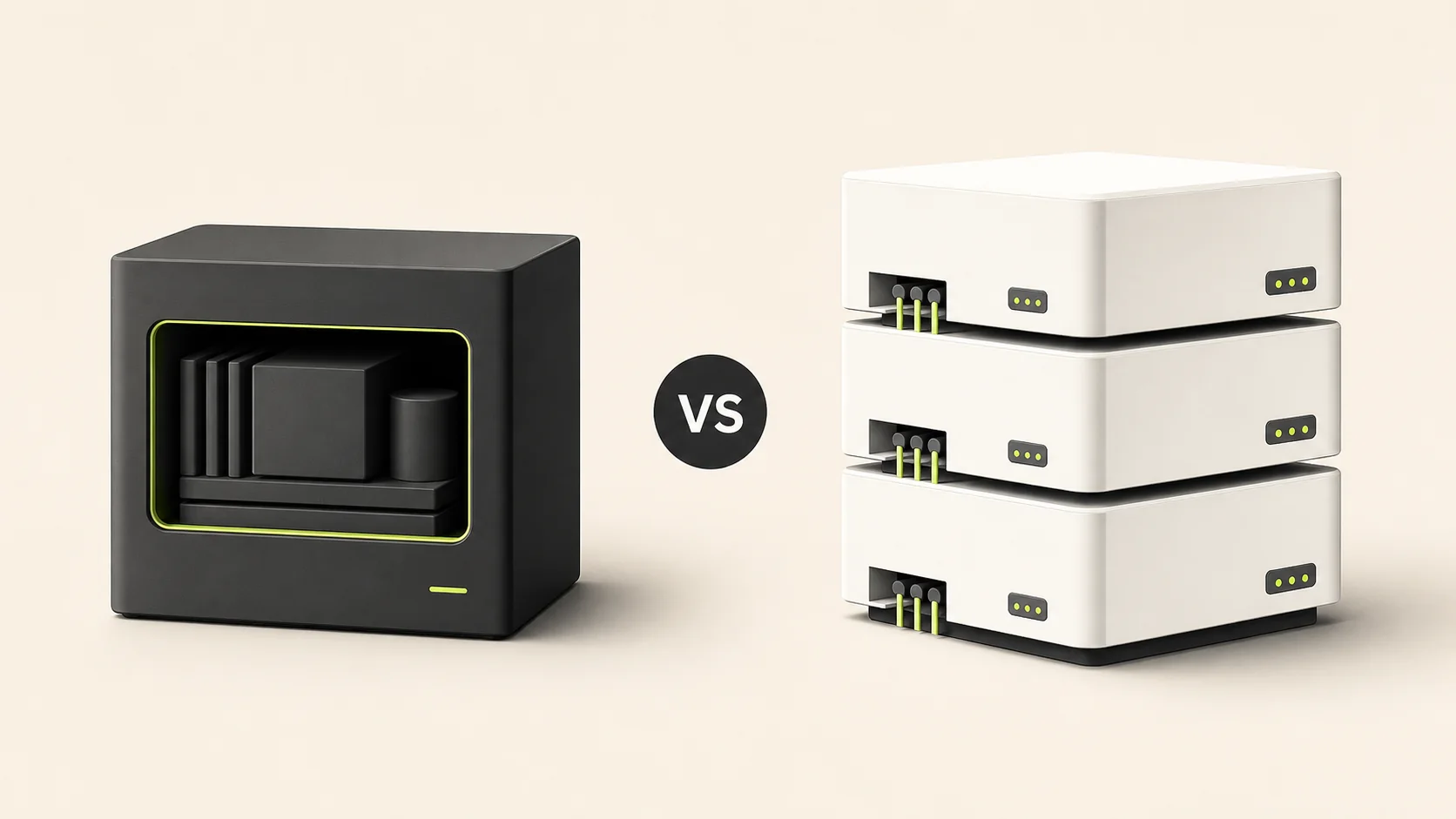
Prisma and Drizzle can both power a production Next.js SaaS. The important difference is not whether one can perform a query the other cannot. It is how each ORM asks your team to think about schemas, queries and migrations.
We maintain the same Achromatic SaaS architecture in two separate repositories: one built with Prisma and one built with Drizzle. That gives us a useful comparison point. The application features stay aligned while the persistence layer changes.
The short answer
- Choose Prisma if you want a concise schema language, a generated client and a higher-level query API with strong support for nested reads and writes.
- Choose Drizzle if you want schemas in TypeScript, queries that remain close to SQL and explicit control over the SQL migration files entering your repository.
- Do not choose based on old claims about Prisma always shipping a large Rust query engine. Prisma 7 introduced a Rust-free client and requires database driver adapters.
- For most SaaS products, your team's preferred database workflow matters more than a theoretical ORM benchmark.
Achromatic includes both the Prisma starter kit and the Drizzle starter kit, so this decision does not change what the license includes.
Prisma vs Drizzle at a glance
| Area | Prisma 7 | Drizzle |
|---|---|---|
| Schema | Prisma Schema Language | TypeScript |
| Query style | Generated, model-oriented client | SQL-shaped and relational APIs |
| Type generation | Generated Prisma Client | Inferred from TypeScript schema |
| PostgreSQL connection | Driver adapter, such as @prisma/adapter-pg | Database driver integration, such as node-postgres |
| Migration workflow | prisma migrate dev and prisma migrate deploy | Generate SQL with Drizzle Kit, then apply it |
| Nested writes | A core strength | Usually expressed as explicit operations in a transaction |
| SQL visibility | More abstract by default | More direct by default |
| Best fit | Teams that prefer a higher-level data client | Teams that prefer SQL-shaped control |
What changed for Prisma in 2026
Many Prisma comparisons still describe an older architecture. Prisma 7's new client is Rust-free and database connections now use a driver adapter. Achromatic's current Prisma kit uses Prisma 7.3 with @prisma/adapter-pg and the pg connection pool.
That change makes blanket claims such as “Drizzle is serverless and Prisma is not” too simplistic. Runtime compatibility and connection behavior now depend heavily on the database driver and deployment environment selected for either ORM. Consult the Prisma 7 upgrade guide when comparing current architecture rather than relying on Prisma 5 or Prisma 6 assumptions.
Drizzle still takes a different approach. Its schema is TypeScript and its query APIs stay closer to SQL. Drizzle Kit can generate SQL migrations from that schema, apply migrations or push schema changes directly. Achromatic uses generated migration files for reviewable changes.
Schema definition
Prisma keeps the data model in prisma/schema.prisma:
model User {
  id        String    @id @default(cuid())
  email     String    @unique
  name      String?
  createdAt DateTime  @default(now())
  sessions  Session[]
}

model Session {
  id        String   @id @default(cuid())
  userId    String
  expiresAt DateTime
  user      User     @relation(fields: [userId], references: [id], onDelete: Cascade)
}
Drizzle expresses the same structure in TypeScript:
import { relations } from 'drizzle-orm';
import { pgTable, text, timestamp } from 'drizzle-orm/pg-core';

export const userTable = pgTable('user', {
  id: text('id').primaryKey(),
  email: text('email').notNull().unique(),
  name: text('name'),
  createdAt: timestamp('created_at').defaultNow().notNull()
});

export const sessionTable = pgTable('session', {
  id: text('id').primaryKey(),
  userId: text('user_id')
    .notNull()
    .references(() => userTable.id, { onDelete: 'cascade' }),
  expiresAt: timestamp('expires_at').notNull()
});

export const userRelations = relations(userTable, ({ many }) => ({
  sessions: many(sessionTable)
}));
Prisma's schema is compact and gives the generated client one centralized data model. Drizzle keeps database definitions in the same language as the application and makes SQL names and constraints highly visible.
Reading related data
Prisma's generated client uses model-oriented methods:
const user = await prisma.user.findUnique({
  where: { email },
  include: {
    sessions: true
  }
});
Drizzle's relational API can express a similar read:
import { eq } from 'drizzle-orm';

const user = await db.query.userTable.findFirst({
  where: eq(userTable.email, email),
  with: {
    sessions: true
  }
});
Both are type-safe. Prisma derives the result from its generated client and the selected relation shape. Drizzle derives it from the TypeScript schema and query expression.
The practical difference appears as queries grow. Prisma encourages you to describe a model result. Drizzle makes joins, conditions and selected columns feel closer to writing SQL.
Writes and transactions
Prisma makes related writes particularly concise:
const user = await prisma.user.create({
  data: {
    email,
    name,
    sessions: {
      create: {
        token,
        expiresAt
      }
    }
  }
});
With Drizzle, the equivalent workflow is usually explicit:
const user = await db.transaction(async (tx) => {
  const [createdUser] = await tx
    .insert(userTable)
    .values({ id: crypto.randomUUID(), email, name })
    .returning();

  await tx.insert(sessionTable).values({
    id: crypto.randomUUID(),
    userId: createdUser.id,
    token,
    expiresAt
  });

  return createdUser;
});
Prisma is often more convenient when a product performs many nested writes. Drizzle's extra lines can be an advantage when a team wants transaction boundaries and individual SQL operations to remain obvious.
Migration workflow
The current Achromatic Prisma kit uses two distinct commands:
# Create and apply a migration during development
npm run db:migrate:dev

# Apply committed migrations in production
npm run db:migrate
The production command maps to prisma migrate deploy, which applies pending migrations without generating a new one.
The Drizzle kit separates generation and application:
# Generate a SQL migration from schema changes
npm run db:generate

# Apply committed migrations
npm run db:migrate
Drizzle Kit documents this as a code-first flow: generate creates SQL migration files and migrate applies the migrations that have not run yet.
The kit also exposes npm run db:push for fast local iteration. Because push applies schema differences directly and does not create migration files, it should not replace reviewed migrations in production.
Performance and deployment
There is no honest universal winner without a workload, database driver, hosting environment and measurement method.
Drizzle has a thin, SQL-shaped runtime and gives developers direct control over selected columns and generated SQL. Prisma 7 removed the old Rust engine from its new client architecture and now uses the underlying driver adapter for database connections. Comparisons based only on old package sizes or cold-start measurements no longer describe the current choice accurately.
For a production SaaS, measure the operations that matter to your product:
- application bundle and cold start in the target runtime
- connection pool behavior under concurrent traffic
- query count and selected payload size for real screens
- latency at the same database region
- migration safety in the deployment pipeline
Achromatic's current kits use PostgreSQL through Node runtime drivers. If you need an edge runtime or a specific serverless database transport, verify that transport for the exact ORM and driver combination before deciding.
Choose Prisma when
- your team prefers a compact declarative data model
- generated client methods are easier for your developers to navigate
- the product relies on nested relation reads and writes
- you want database details abstracted behind a consistent model API
- your team is less comfortable reviewing SQL directly
Choose Drizzle when
- your team already thinks in SQL
- you want schemas to live in TypeScript
- selected columns, joins and conditions should remain explicit
- reviewing generated SQL migrations is part of your workflow
- you expect to write specialized queries close to the database
How Achromatic keeps the choice practical
Achromatic deliberately ships two standalone repositories rather than hiding both ORMs behind a shared monorepo abstraction. The Prisma and Drizzle kits contain the same product capabilities, including authentication, organizations, billing, administration and email. Each implementation can follow its ORM's conventions without adding a compatibility layer to your application.
That means you can make the decision based on the code your team wants to maintain:
- Open the Prisma documentation and Drizzle documentation.
- Compare the schema and migration workflows with your team's experience.
- Choose Prisma for the generated model-oriented workflow or Drizzle for the SQL-shaped TypeScript workflow.
- Start with that repository. Your Achromatic license includes access to both.
Final recommendation
Choose Prisma if its generated client lets your team express product logic faster. Choose Drizzle if direct, typed SQL-shaped code makes database behavior easier for your team to understand.
Neither choice will rescue a poor schema or replace query measurement. In 2026, the strongest distinction is developer workflow, not an outdated claim that one ORM can run in modern Next.js environments while the other cannot.