On this page9 sections
If you're planning to build a SaaS (Software as a Service) application, you've probably come across the term "starter kit" or "boilerplate." But what exactly is a SaaS starter kit, and should you use one for your next project?
In this guide, we'll break down what SaaS starter kits are, why they exist, and how they can reduce repeated foundation work.
What is a SaaS Starter Kit?
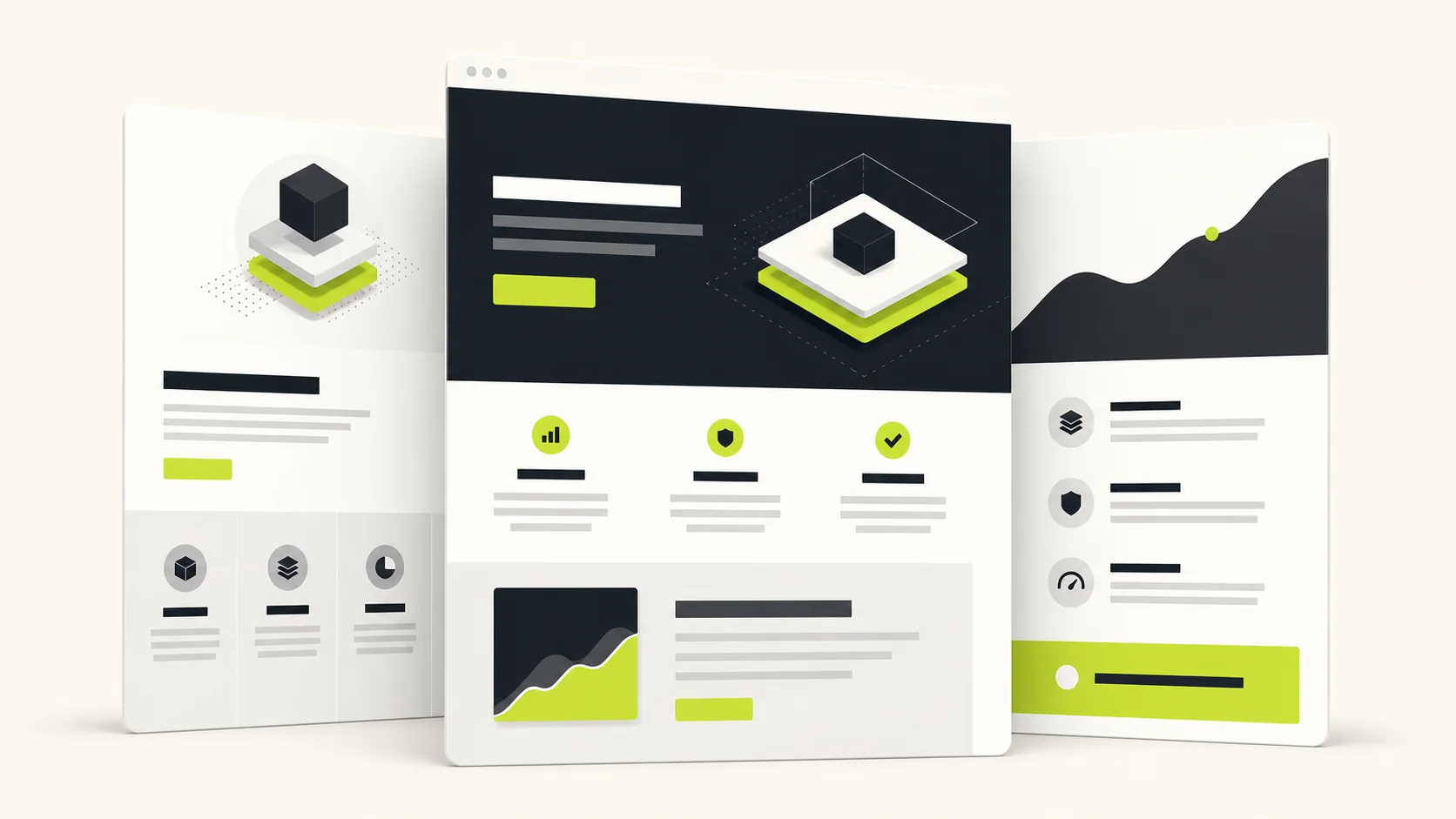
A SaaS starter kit is a pre-built codebase that includes all the foundational features needed to launch a subscription-based software product. Instead of building everything from scratch, you get a working application with authentication, billing, database integration, and other essential features already implemented.
Think of it like buying a house with the foundation, plumbing, and electrical already installed. You still need to customize the interior and make it your own, but you're not starting from bare land.
What's Typically Included?
A comprehensive SaaS starter kit usually includes:
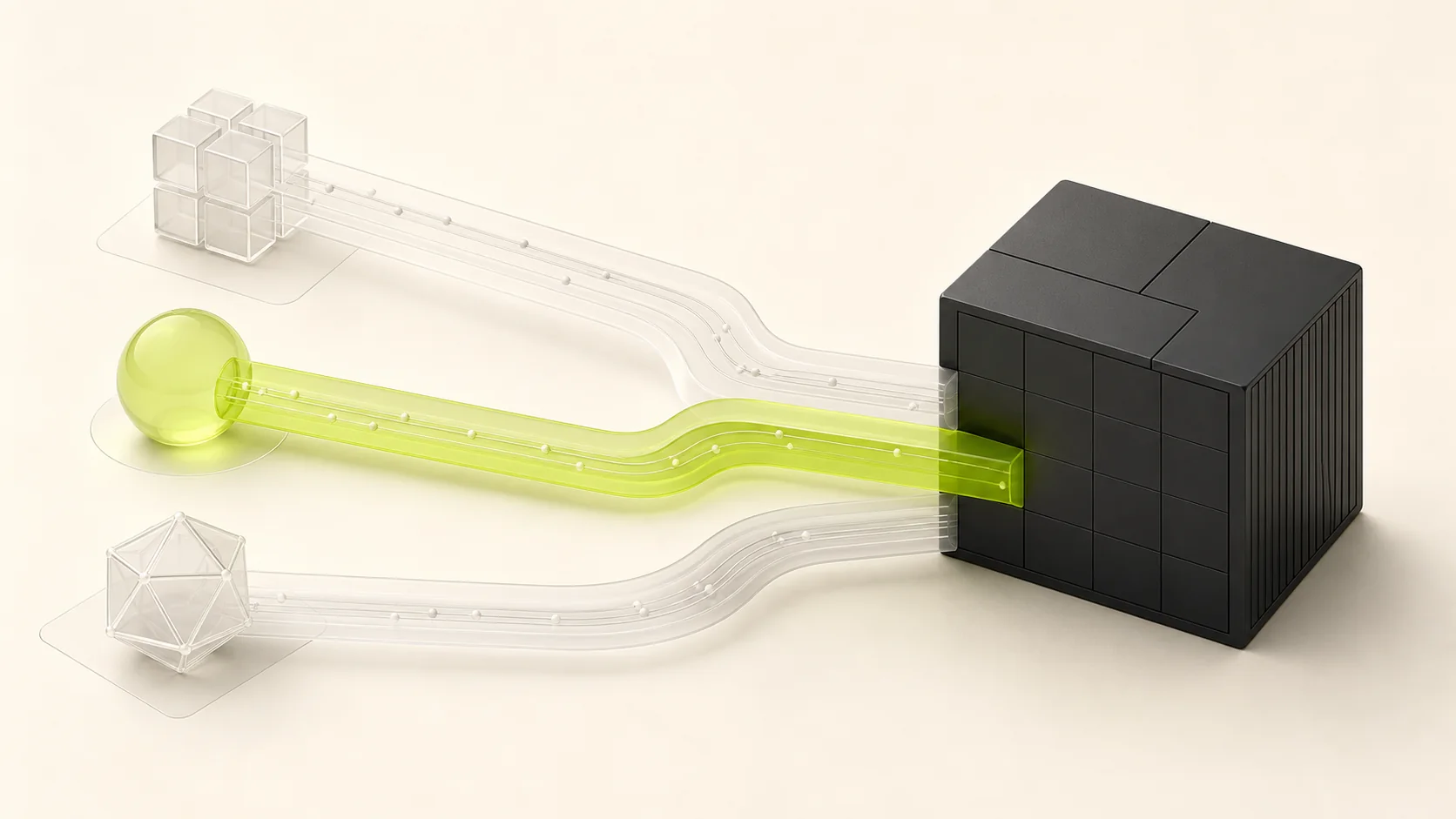
- Authentication: Email/password login, OAuth providers (Google, GitHub), magic links, and session management
- Billing Integration: Stripe subscriptions, one-time payments, webhooks, and customer portal
- Database Setup: ORM configuration, schema design, migrations, and connection pooling
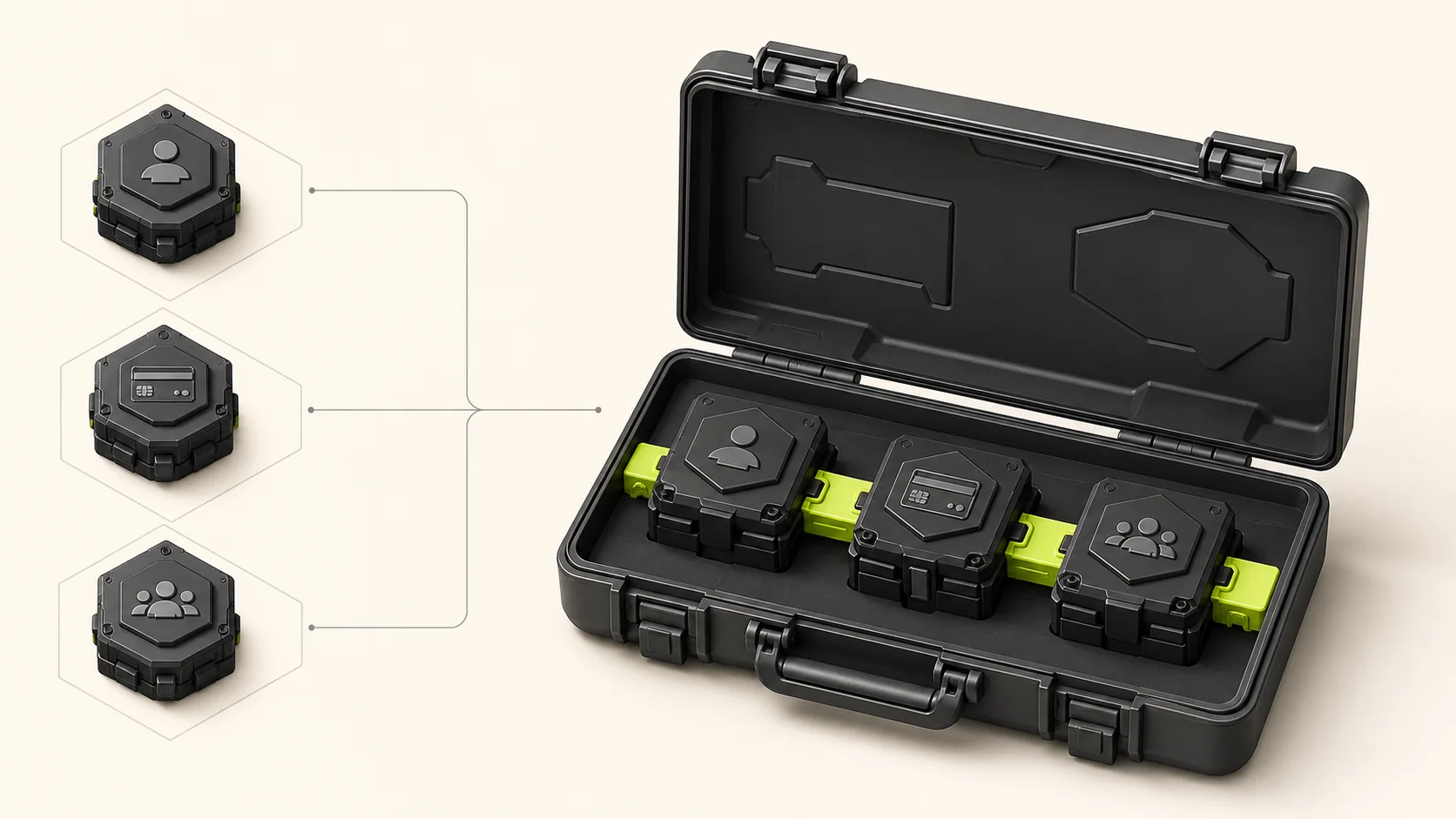
- Multi-tenancy: Organization/workspace management, team invites, role-based permissions
- UI Components: Dashboard layouts, forms, tables, modals, and navigation
- API Layer: REST or tRPC endpoints with proper error handling
- Email System: Transactional emails for verification, invites, and notifications
- Developer Experience: TypeScript, ESLint, Prettier, and testing setup
Starter Kit vs Boilerplate vs Template
These terms are often used interchangeably, but there are subtle differences:
| Term | Definition | Customization Level |
|---|---|---|
| Template | Basic starting point with minimal functionality | High - mostly UI/layout |
| Boilerplate | Reusable code patterns with some features | Medium - structural code |
| Starter Kit | Full-featured foundation with business logic | Lower - feature-complete |
A template might give you a landing page design. A boilerplate adds authentication scaffolding. A starter kit gives you a working product with billing, teams, and dashboards ready to customize.
In practice, most developers use these terms interchangeably. What matters is understanding what you're getting.
Why Use a SaaS Starter Kit?
1. Time Savings
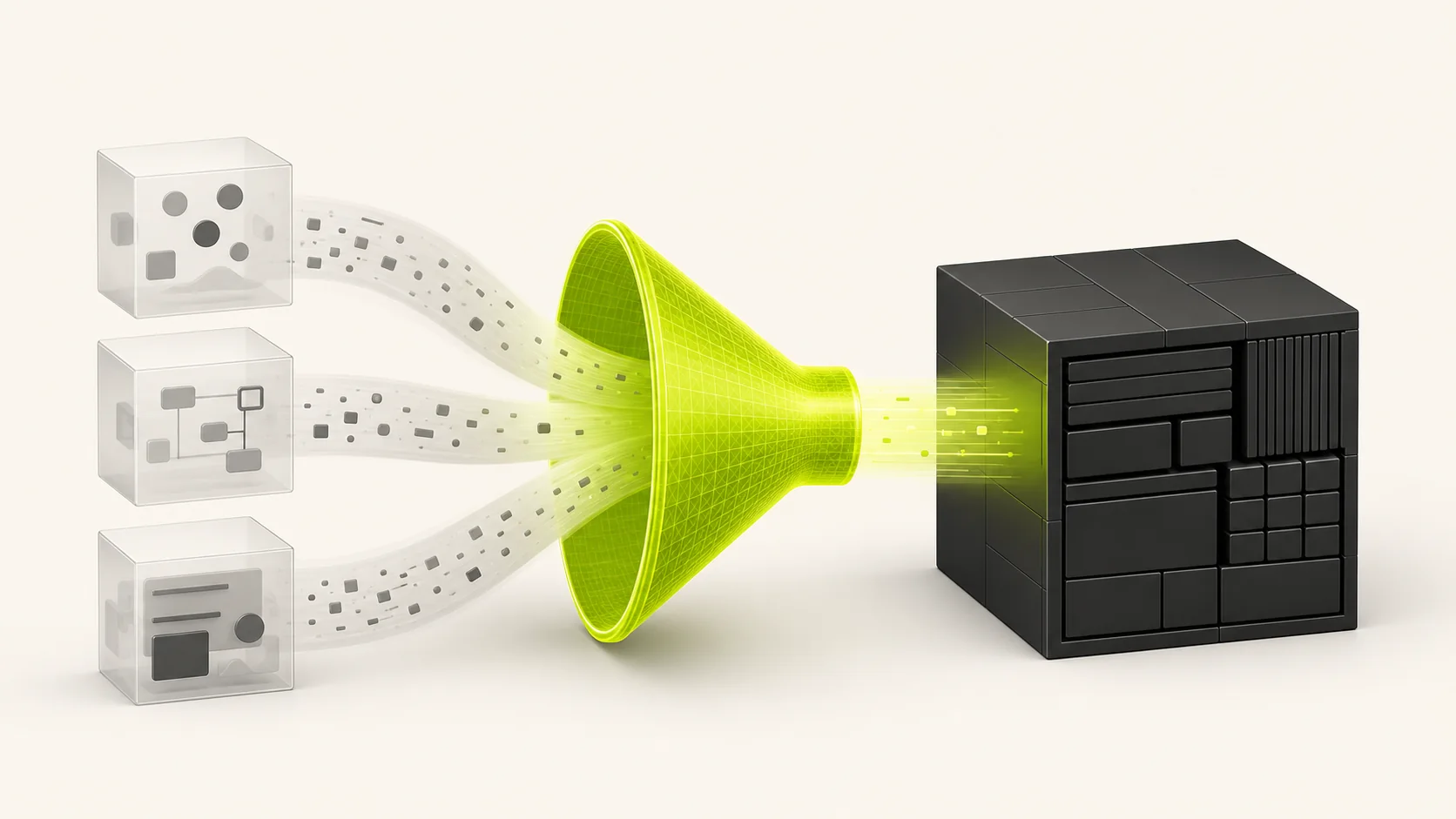
Authentication, billing, multi-tenancy, email, and deployment each involve implementation, integration, testing, and ongoing maintenance. A starter kit can remove repeated setup work, but the actual time saved depends on how closely its architecture matches your product.
Estimate the difference using your own requirements:
- List every foundation feature you would otherwise build.
- Include testing, documentation, security review, and maintenance work.
- Identify which starter-kit flows are complete and which require customization.
- Compare that work with the time needed to learn and adapt the kit.
2. Battle-Tested Patterns
Starter kits encode best practices learned from building multiple production applications:
- Secure authentication flows
- Proper webhook handling
- Efficient database queries
- Accessible UI components
- Error boundaries and logging
You're not just getting code—you're getting accumulated expertise.
3. Cost Efficiency
Compare the license price with the engineering time needed to implement, test, document, and maintain the same flows. Also include migration work, third-party service fees, and the cost of removing features that do not fit your product. A starter kit is cost-effective only when its useful implementation work exceeds the effort required to adapt it.
4. Reduced Technical Debt
When you build from scratch under time pressure, you take shortcuts. These shortcuts become technical debt that slows you down later.
A well-maintained starter kit has:
- Consistent code patterns
- Proper TypeScript types
- Documented architecture
- Regular security updates
When Should You NOT Use a Starter Kit?
Starter kits aren't always the right choice:
- Learning Projects: If your goal is to learn how authentication or billing works, build it yourself
- Highly Unique Requirements: If your product is fundamentally different from a standard SaaS
- Existing Codebase: If you're adding features to an established product
- Team Unfamiliarity: If your team doesn't know the starter kit's tech stack
What to Look for in a SaaS Starter Kit
Not all starter kits are equal. Here's what separates good from great:
Must-Have Features
- Modern Tech Stack: Next.js 16, React 19, TypeScript, and Node.js 22.21.1
- Maintained Codebase: Regular updates, active development
- Documentation: Clear setup guides, architecture explanations
- Authentication: Multiple providers, secure sessions
- Billing Integration: Stripe with webhooks, customer portal
- Type Safety: End-to-end TypeScript, no
anytypes
Nice-to-Have Features
- Multi-tenancy: Organizations, team management, permissions
- Email Templates: Pre-designed transactional emails
- Admin Panel: User management, analytics
- Testing Setup: Unit tests, integration tests, E2E
- CI/CD: GitHub Actions, deployment configs
- AI-Coding Ready: CLAUDE.md, Cursor rules
Red Flags to Avoid
- No recent commits (abandoned project)
- Missing TypeScript or loose type definitions
- No documentation or outdated docs
- Outdated dependencies with security vulnerabilities
- No billing integration or only basic payment links
- Locked to a single hosting provider
How to Evaluate a Starter Kit
Before purchasing, do your due diligence:
- Check the Demo: Does it work? Is it fast?
- Read the Docs: Are they comprehensive?
- Review the Code: Is it clean? Well-organized?
- Check Dependencies: Are they up-to-date?
- Test the Support: Ask a question before buying
- Look for Updates: When was the last commit?
The Build vs Buy Decision
Every founder faces this question: should I build my foundation or buy it?
Build if:
- You have 6+ months of runway before needing revenue
- Your team has deep expertise in all required areas
- Your product requires non-standard architecture
- You're building for a highly regulated industry
Buy if:
- You need to ship quickly and validate your idea
- You want to focus on your unique value proposition
- You're a solo founder or small team
- You've built SaaS before and know the patterns
Getting the Most from a Starter Kit
If you decide to use a starter kit, here's how to maximize its value:
Week 1: Learn the Codebase
- Read all documentation
- Understand the folder structure
- Trace a complete user flow (signup → dashboard → billing)
- Run the test suite
Week 2: Customize for Your Product
- Replace branding and copy
- Modify the database schema for your domain
- Remove features you don't need
- Add your unique functionality
Week 3+: Build Your Features
- Focus entirely on what makes your product unique
- Use the existing patterns as guides
- Contribute improvements back (if open source)
Conclusion
A SaaS starter kit is a pre-built foundation that handles authentication, billing, and infrastructure so you can focus on product-specific features. A well-matched kit can reduce development time and help you validate an idea sooner.
The key is choosing a well-maintained starter kit with a modern tech stack, comprehensive documentation, and the features you actually need. Don't pay for complexity you won't use, but don't skimp on foundations you'll need later.
Whether you're a solo founder building your first SaaS or a team launching a new product, the right starter kit can be the difference between shipping in weeks versus shipping in months.
Building a SaaS and want to skip the boilerplate? The current Achromatic Pro Prisma and Pro Drizzle kits use Next.js 16, React 19, Better Auth, and Stripe billing.