On this page7 sections
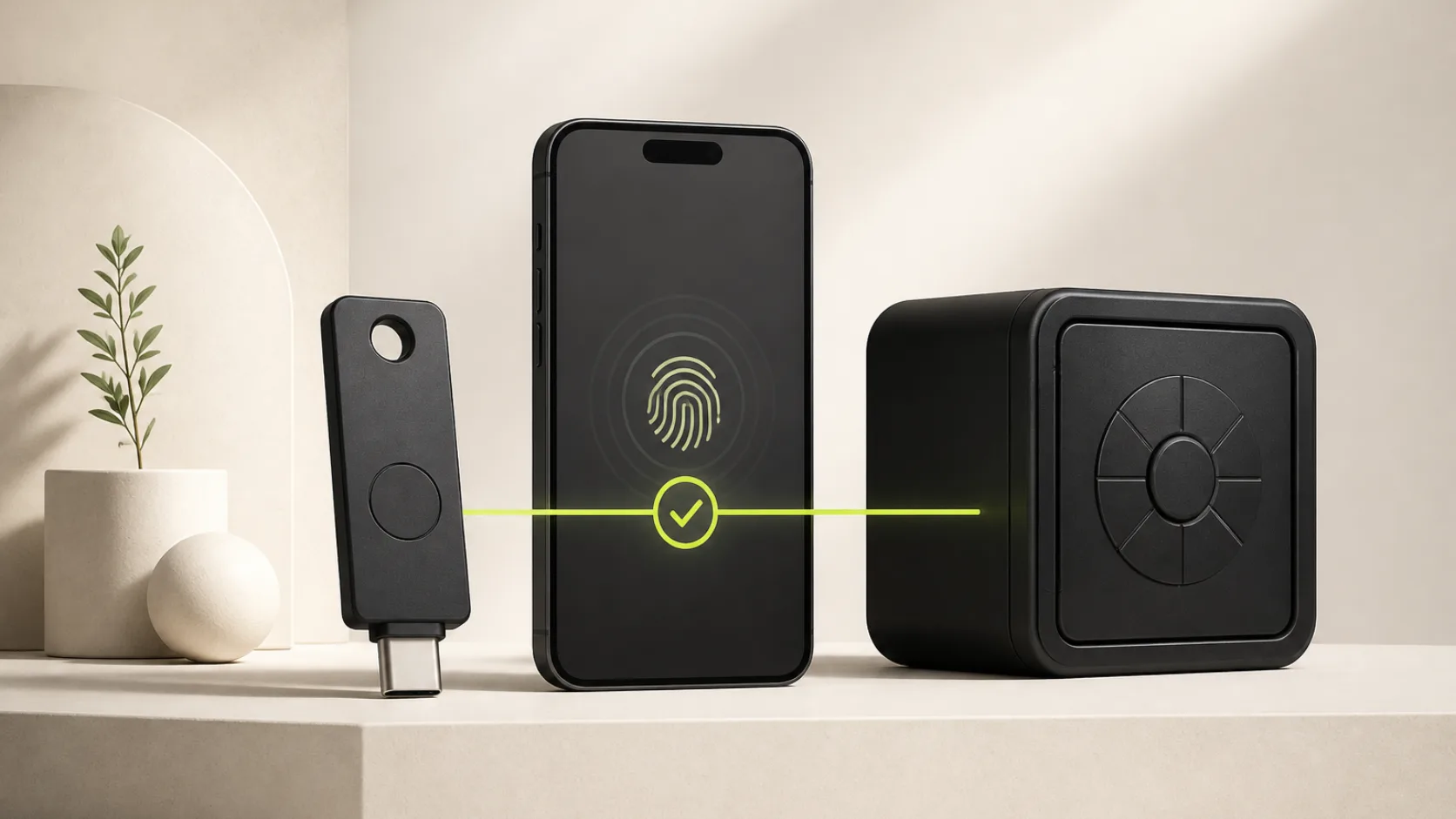
Passkeys remove the reusable secret from sign-in. Instead of typing a password, the user authorizes a cryptographic credential with a biometric, device PIN or external security key. The server receives a signed WebAuthn assertion, not the private key and not a biometric template.
That makes passkeys attractive for SaaS products, but installing a plugin is only the beginning. A production implementation must decide how credentials are managed, whether user verification is required, how passkeys interact with TOTP, what happens when the feature is disabled and how the browser ceremony is tested.
Achromatic now ships that baseline in its Prisma and Drizzle starter kits. This article explains the security decisions behind the implementation.
Store public credential metadata, not private keys
The Better Auth passkey plugin stores one row for each registered credential. The row contains the public key, credential ID, signature counter, authenticator details, optional name and the user relationship.
The private key stays inside the authenticator. Face ID, Touch ID, Windows Hello or the device PIN unlocks that authenticator locally; the application never receives the biometric.
Both Achromatic editions therefore add an ORM-specific passkey table and
migration. Existing applications must apply that migration before enabling the
plugin:
npm run db:migrateNo new secret or environment variable is required. Production WebAuthn does
require HTTPS, while browsers permit localhost for development.
Register the plugin conditionally
A feature flag should not merely hide a button while leaving authentication endpoints active. Register the server plugin only when the feature is enabled:
plugins: [
  // Other Better Auth plugins
  ...(authConfig.enablePasskeys
    ? [
        passkey({
          authenticatorSelection: {
            userVerification: 'required'
          }
        })
      ]
    : []),
  twoFactor()
];
The same enablePasskeys value controls the sign-in button and account security
card. Turning it off therefore removes both the interface and the Better Auth
passkey routes rather than creating a cosmetic security control.
Require user verification twice
WebAuthn distinguishes proving possession of an authenticator from verifying the person using it. A credential ceremony can be cryptographically valid even when the authenticator did not verify a biometric or PIN, depending on server policy and authenticator behavior.
Request verification during registration and enforce the result after authentication:
passkey({
  authenticatorSelection: {
    userVerification: 'required'
  },
  authentication: {
    afterVerification: async ({ verification }) => {
      if (!verification.authenticationInfo.userVerified) {
        throw new APIError('UNAUTHORIZED', {
          code: 'PASSKEY_USER_VERIFICATION_REQUIRED',
          message:
            'Verify your identity with a PIN or biometric to use this passkey.'
        });
      }
    }
  }
});
The first setting tells authenticators what the relying party expects. The second check prevents session creation if a ceremony reaches the server without the verified-user flag. Keeping both makes the policy explicit at the request and trust boundaries.
Do not automatically append TOTP
Better Auth's TOTP flow protects credential sign-in. Passkeys are a separate passwordless method and are not automatically routed through the password two-factor hook.
That is appropriate when passkey authentication itself requires biometric or device-PIN verification. Prompting for a TOTP immediately afterward adds friction without restoring a missing password factor. Achromatic treats a user-verified passkey as the complete sign-in ceremony while password sign-in still follows the user's configured TOTP flow.
Products with higher-risk operations can add step-up authentication around the operation—changing payout details, exporting sensitive data or rotating API credentials—rather than applying the same extra prompt to every passkey login.
Give users control over registered credentials
Passkeys are easier to trust when users can see and manage them. The account security page should support:
- registering more than one device or security key
- assigning a recognizable name after registration
- renaming a credential when its purpose changes
- deleting a credential only after confirmation
- clear empty, loading and error states
Achromatic places Passkeys below connected accounts in the existing Security tab. The sign-in action sits below Google so passwordless alternatives remain grouped without making passkeys look like a social provider.
Browser error codes also need translation. Cancellation, duplicate registration, unavailable authenticators and missing user verification should not all collapse into “Something went wrong.” Map the ceremony code to a stable message and render root-level errors even though clicking a passkey button does not submit the password form.
Test the browser ceremony, not only the API
Unit tests can verify configuration and error mapping, but they cannot prove the whole WebAuthn interaction works. Chromium exposes a virtual authenticator over the Chrome DevTools Protocol, which makes the ceremony deterministic in Playwright.
The released test covers this sequence:
- Sign in with a seeded credential account.
- Register a resident passkey with user verification.
- Name and rename the new credential.
- Sign out and disable user verification on the virtual authenticator.
- Confirm passkey sign-in is rejected with an actionable message.
- Re-enable verification and complete passwordless sign-in.
- Delete the credential through the confirmation dialog.
This catches bugs that API-only coverage misses: hidden root errors, incorrect WebAuthn option names, stale passkey lists and browser error-code mismatches.
Plan recovery and domain stability
Passkeys are scoped to a relying party. A later domain change can prevent an existing credential from matching the new site, so decide the durable authentication domain before presenting passkeys as the primary sign-in method.
Keep an account-recovery path and encourage important users to register more than one authenticator. Passwordless does not mean recoveryless.
The complete implementation, migrations and tests now ship in both Achromatic editions. Follow the Pro Prisma passkey guide or Pro Drizzle passkey guide, and review the release details in the changelog.