On this page9 sections
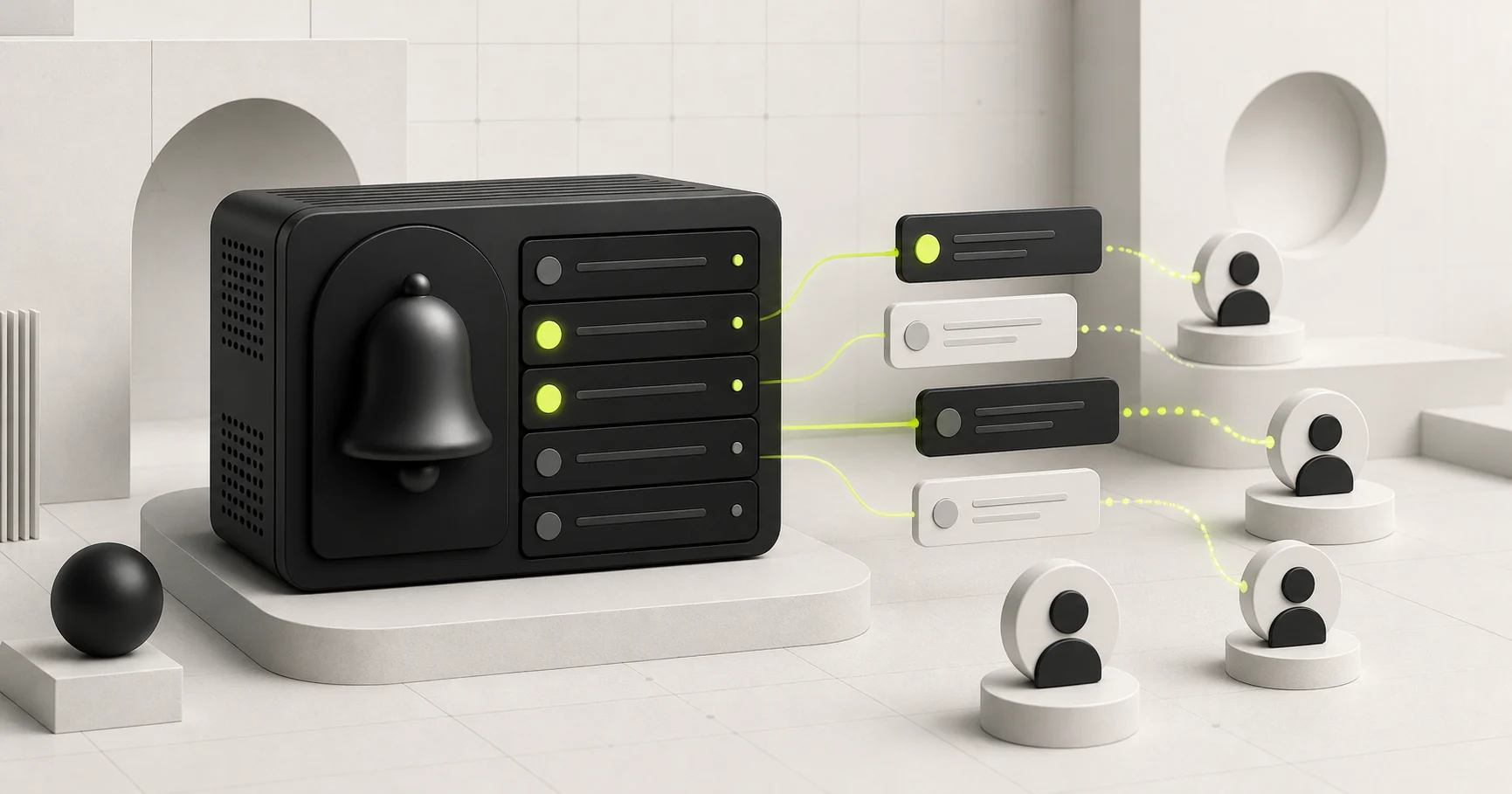
In-app notifications look simple until they must work for real users. A bell, an unread badge and a list are only the visible layer. The application also needs recipient-scoped queries, reliable read state, safe links, an administrative sending workflow and a retention strategy.
Achromatic Pro now includes that complete baseline in both the Prisma and Drizzle starter kits. This guide explains the design choices behind it and the parts you should preserve when adapting the feature to another Next.js SaaS application.
Start with one notification per recipient
A broadcast can be represented in two broad ways:
- Store one message and join it to a separate recipient-state table.
- Store one notification row for each recipient.
The first approach reduces repeated message content. The second keeps the most common queries and mutations direct: list my notifications, count my unread notifications and mark one row as read.
Achromatic uses one row per recipient. Each row records:
| Field | Purpose |
|---|---|
userId | The only user allowed to read or update the row |
createdById | The administrator who created it, when applicable |
title | A short, scannable summary |
message | The full notification body |
type | info, success or warning |
actionUrl | An optional internal destination |
readAt | Both the read state and the time it changed |
createdAt | Stable chronological ordering |
The schema indexes (userId, createdAt) for the inbox and (userId, readAt)
for the unread count. A creator relation uses SET NULL, so removing an admin
does not delete messages already delivered to users. Removing the recipient
does delete their notifications.
This model deliberately does not pretend that a broadcast is one mutable object after delivery. If an admin deletes selected rows, only those recipients lose them. If the product later needs campaign analytics or editable message templates, add a separate campaign entity rather than overloading recipient state.
Scope every user operation on the server
Hiding another user's notification in the interface is not authorization. Every read and mutation must include the authenticated user ID in its database condition.
In the Prisma edition, the core ownership conditions are small. The Drizzle
edition applies the same constraints with eq and and:
const notifications = await prisma.notification.findMany({
  where: {
    userId: ctx.user.id,
    readAt: input.status === 'unread' ? null : undefined
  },
  orderBy: [{ createdAt: 'desc' }, { id: 'desc' }],
  take: input.limit
});

await prisma.notification.updateMany({
  where: {
    id: input.id,
    userId: ctx.user.id,
    readAt: null
  },
  data: { readAt: new Date() }
});
The same rule applies to a notification detail endpoint. Query by both id and
userId; do not fetch by ID and hope a component checks ownership afterward.
Achromatic exposes listing, unread count, one-notification lookup, mark-read and mark-all-read procedures through an authenticated tRPC router. Admin list, send and delete operations use a separate platform-admin procedure.
Make the bell a fast summary, not a second inbox page
The notification center sits beside the organization switcher in the expanded application sidebar and inside the mobile drawer. Its popover has two views: all notifications and unread notifications.
That placement solves three practical problems:
- It is available across the authenticated application.
- The unread count remains visible without consuming navigation space.
- Users can inspect a message without losing their current page.
The list initially loads 20 recent rows. Long messages expand in place, while an optional action opens only after the row is selected. Empty, loading and error states live inside the same surface so a failed query does not turn the whole dashboard into an error page.
Marking a message as read should feel immediate. The client optimistically updates the row, the unread tab and the badge count, then rolls those values back if the mutation fails. It still invalidates the authoritative queries after completion. This gives the user instant feedback without treating the client cache as the source of truth.
Keep notification actions internal
A notification action is effectively an application-authored redirect. If an admin form accepts arbitrary URLs, a compromised admin account or an incorrect integration could turn a trusted notification center into a phishing surface.
Validate actions when they are created and again before they are followed. The Achromatic schema accepts only values that its shared redirect utility recognizes as an internal path:
actionUrl: z.string()
  .trim()
  .max(500)
  .refine(
    (value) => value === '' || getSafeRedirectPath(value, '') === value,
    'Action URL must be an internal path'
  )
  .optional();
That rejects external URLs, protocol-relative values and malformed paths. It also keeps the notification portable between localhost, preview deployments and production because the stored destination does not contain an environment origin.
If your product genuinely needs external actions, model them as a separate, explicit capability with an allowlist and clear external-link treatment. Do not silently relax the internal redirect check.
Give administrators a workflow, not just a mutation
A send endpoint is not enough for daily operations. Administrators need to understand the audience before delivery and inspect what has already been sent.
The shipped admin page includes:
- search across notification copy, recipient and creator
- read-state and notification-type filters
- server-side pagination
- details in a side sheet
- selection and bulk deletion with confirmation
- a send sheet for one active user or all active users
Broadcast delivery runs inside a database transaction and inserts recipients in bounded batches. Banned users are excluded from both recipient search and broadcasts. The confirmation step states the computed audience before the write begins.
This is still a synchronous baseline. A very large customer base should move broadcast fan-out to a durable background job and record campaign progress. The user-facing data model can remain the same.
Separate in-app delivery from email and push
An in-app notification is durable product state. Email and browser push are delivery channels with different permissions, retry behavior and privacy constraints.
Keep those concerns separate:
- Insert the in-app row as the canonical message for the signed-in product.
- Enqueue optional external delivery after the transaction succeeds.
- Record channel attempts separately from
readAt. - Do not treat an email open or push receipt as reading the in-app message.
The Achromatic release does not claim real-time push delivery. The notification center reads database-backed state through tRPC and refreshes its cache after mutations. Products that need live arrival can add polling, server-sent events or a realtime provider without changing the authorization boundary.
Plan retention before the table grows
One-row-per-recipient broadcasts trade storage for simple queries. That is a reasonable default, but the product should still define retention.
Common policies include:
- delete read notifications after a fixed period
- retain warning or compliance messages longer than informational messages
- archive campaign-level analytics separately
- cap the inbox query even when old rows remain in the database
Make deletion explicit. A bulk administrative delete in Achromatic removes the selected rows from recipients' notification centers and confirms that effect before proceeding.
Test boundaries and state transitions
The most valuable tests exercise ownership and transitions rather than visual markup.
Cover at least these cases:
- a user can list only their own rows
- another user's ID returns not found and cannot be marked read
- mark-all affects only the current user
- unread count changes after individual and bulk read mutations
- a non-admin cannot list recipients, send or delete notifications
- a banned user is not selectable and does not receive a broadcast
- external and malformed action URLs are rejected
- deleting a recipient cascades their rows
- deleting a creator preserves delivered messages
- optimistic UI rolls back after a failed mutation
Then use a browser smoke test to verify the expanded sidebar, mobile drawer, popover tabs, unread badge, action navigation, admin filters, details sheet and bulk confirmation.
What ships in Achromatic
Pro Prisma and Pro Drizzle now share the same notification behavior and UI. Each edition includes its ORM-specific schema and database migration, the authenticated and admin tRPC routers, notification center, admin table, send and details sheets, validation schemas and focused tests.
Existing projects need to apply the new migration before using the updated application code. No new environment variable is required.
Follow the implementation guide for Pro Prisma or Pro Drizzle, and review the exact release in the Achromatic changelog.