On this page6 sections
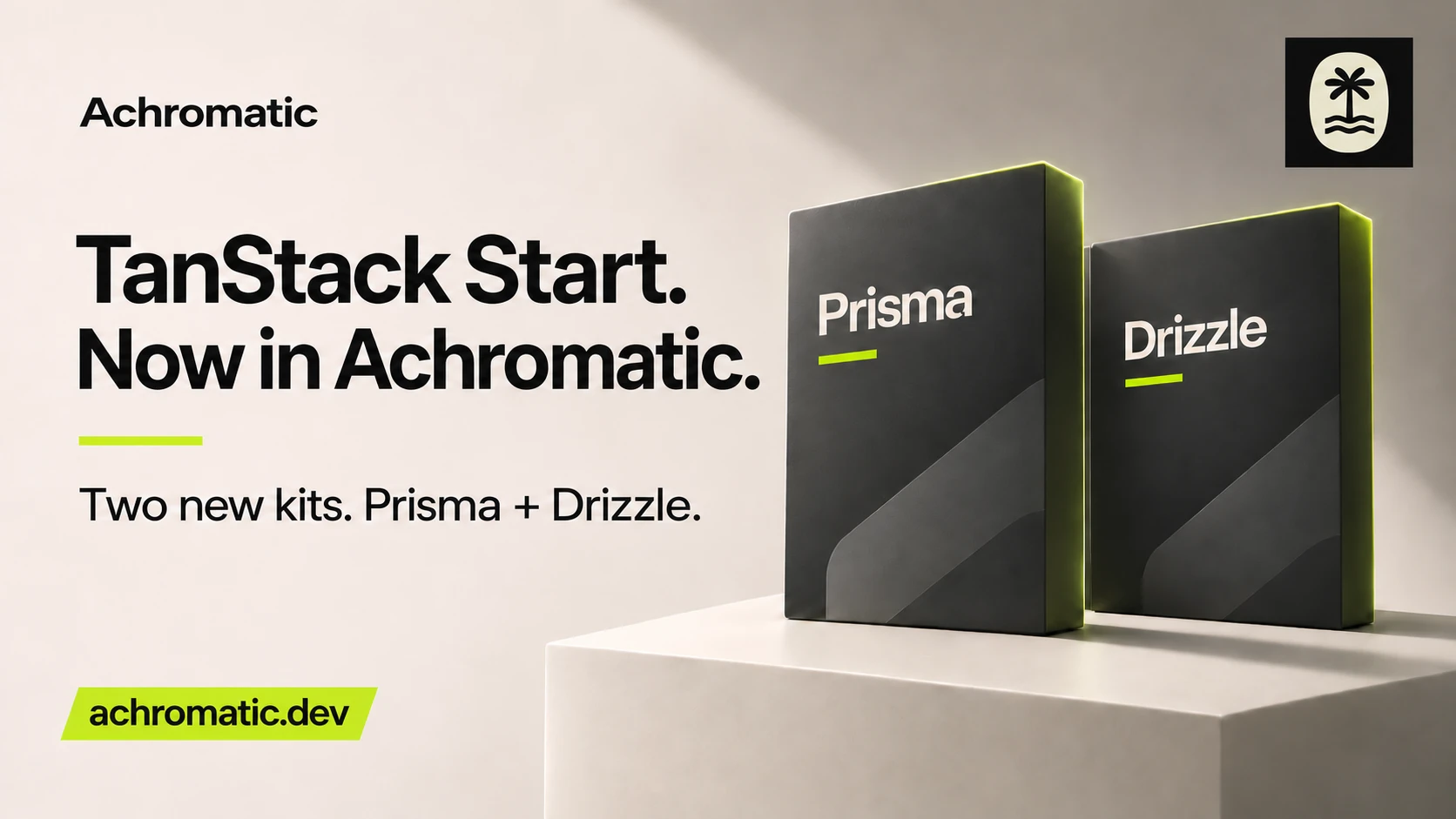
Achromatic now includes two TanStack Start SaaS starter kits: one with Prisma and one with Drizzle. They join the existing Next.js editions, bringing the bundle to four separate codebases under one purchase.
This is an additional framework choice, not a replacement for Next.js and not a requirement to migrate an existing application. If you prefer TanStack Router and a Vite-based development workflow, you can now start there with the application features already connected.
Four editions, one purchase
The current bundle contains:
| Framework | Database toolkit | Documentation |
|---|---|---|
| Next.js | Prisma | Next.js + Prisma |
| Next.js | Drizzle | Next.js + Drizzle |
| TanStack Start | Prisma | TanStack Start + Prisma |
| TanStack Start | Drizzle | TanStack Start + Drizzle |
You are choosing which edition to build with, not which edition your purchase unlocks. Existing customers receive the TanStack Start editions without a separate framework upgrade fee.
Why add TanStack Start?
The framework is a long-lived decision. Some teams already work comfortably with Next.js and the App Router. Others want the routing model and development experience of the TanStack ecosystem. A starter kit should make that decision easier, not turn it into a reason to rebuild authentication and billing.
TanStack Start is a full-stack React framework built on TanStack Router. It supports server-side rendering, streaming, server functions and server routes. The Achromatic editions use Vite for development and a Nitro production build.
The result is still a full-stack application. Marketing pages, authenticated dashboards and server endpoints live in the same project. You do not need a second backend merely because you choose TanStack Start.
What is already built
The new editions include the product foundation that makes Achromatic useful beyond its initial landing page.
Authentication and account security
Better Auth handles email and password authentication, email verification, Google sign-in and passkeys. Two-factor authentication includes authenticator codes and backup-code recovery.
The account flows also include the recent recovery and session-hardening work. An expired two-factor challenge has a route back to sign-in, and switching to another account cancels the pending challenge on the server. These are the details that are easy to overlook when an authentication screen is built only for the successful path.
See the TanStack authentication guide for the configuration and provider setup.
Organizations and administration
The application includes organization creation, invitations, membership roles and organization switching. Account settings and a protected platform admin panel are part of the same codebase.
Organization access is checked on the server. A route guard improves navigation and page loading, but it is not treated as permission to call an API. Protected tRPC procedures check the request again before accessing tenant data.
That separation matters when you add your own features. Hiding a button or redirecting a page is useful interface behavior; the operation itself still needs authorization.
Billing and paid access
Stripe billing includes subscriptions, one-time purchases, customer self-service, credits and server-side plan entitlements. Hosted Checkout is available, with embedded Checkout as an optional integration rather than a mandatory design decision.
The admin workflows include subscription management and credit adjustments. You can build a product around paid plans without first assembling a separate billing dashboard.
The billing documentation covers configuration and the boundaries between application state and Stripe.
The rest of the application
Transactional emails, an AI chat interface, S3-compatible image storage, marketing pages, a blog and documentation are also included. Image uploads use an authenticated server route with type and size checks.
Provider integrations still need your own configuration. Having an email template or a payment workflow in the repository does not provision a sending domain, create a Stripe product or configure an OAuth callback for your domain. The setup guides make those steps explicit.
A familiar application structure
The TanStack kits are intentionally single applications. There is no monorepo or internationalization layer to configure before you can start working on your product.
Routes live in src/routes, server functions in src/server, UI in
components and product modules in lib and trpc. Database access lives in
the Prisma or Drizzle edition's persistence modules.
Server functions provide a typed boundary for application calls into server-only logic. Public HTTP endpoints and webhooks remain server routes. Database credentials and provider secrets belong on the server, not in modules imported into the browser.
Read the architecture guide before adding your first feature so that its code lands in the right place.
Prisma or Drizzle?
Choose Prisma if you prefer a declarative schema, a generated client and the Prisma development tooling. Choose Drizzle if you prefer queries that stay close to SQL and a schema expressed in TypeScript.
There is no need to adopt both. Each repository is a complete edition with its own database workflow. Start with the one you and your team can maintain most confidently.
The same principle applies to the framework. If your existing Next.js product works well, this launch is not a recommendation to migrate it. The new kits are another starting point for the next product or for a team that already prefers TanStack Start.
Get started
Existing customers can use their original download link to get the refreshed ZIP with all four current editions. The archive includes a manifest recording the exact source commits used to build it.
If you are missing repository access, contact support with your GitHub username. The new editions have their own private repositories; access to an older repository does not automatically mean an invitation has been accepted for every current edition.
For a new project, start with the Prisma setup guide or the Drizzle setup guide. Configure a local database, your authentication secret and an email provider, then run the documented checks before deploying.
New to Achromatic? View the four-kit bundle. The BFCM offer is available for a limited time, with all four editions included.