On this page11 sections
Changing an account's email address looks like a small settings form. In practice, it changes the user's sign-in identity, recovery destination and the address that receives future security messages.
That makes it an account takeover boundary, not a profile edit.
A secure flow should prove control of the current mailbox, prove control of the new mailbox and update the account only after both steps succeed. Better Auth provides the primitives for this sequence, while your Next.js application still owns the form, email delivery, callback experience and any application-specific side effects.
This guide follows the same architecture used by the current Achromatic Pro Prisma and Drizzle starter kits.
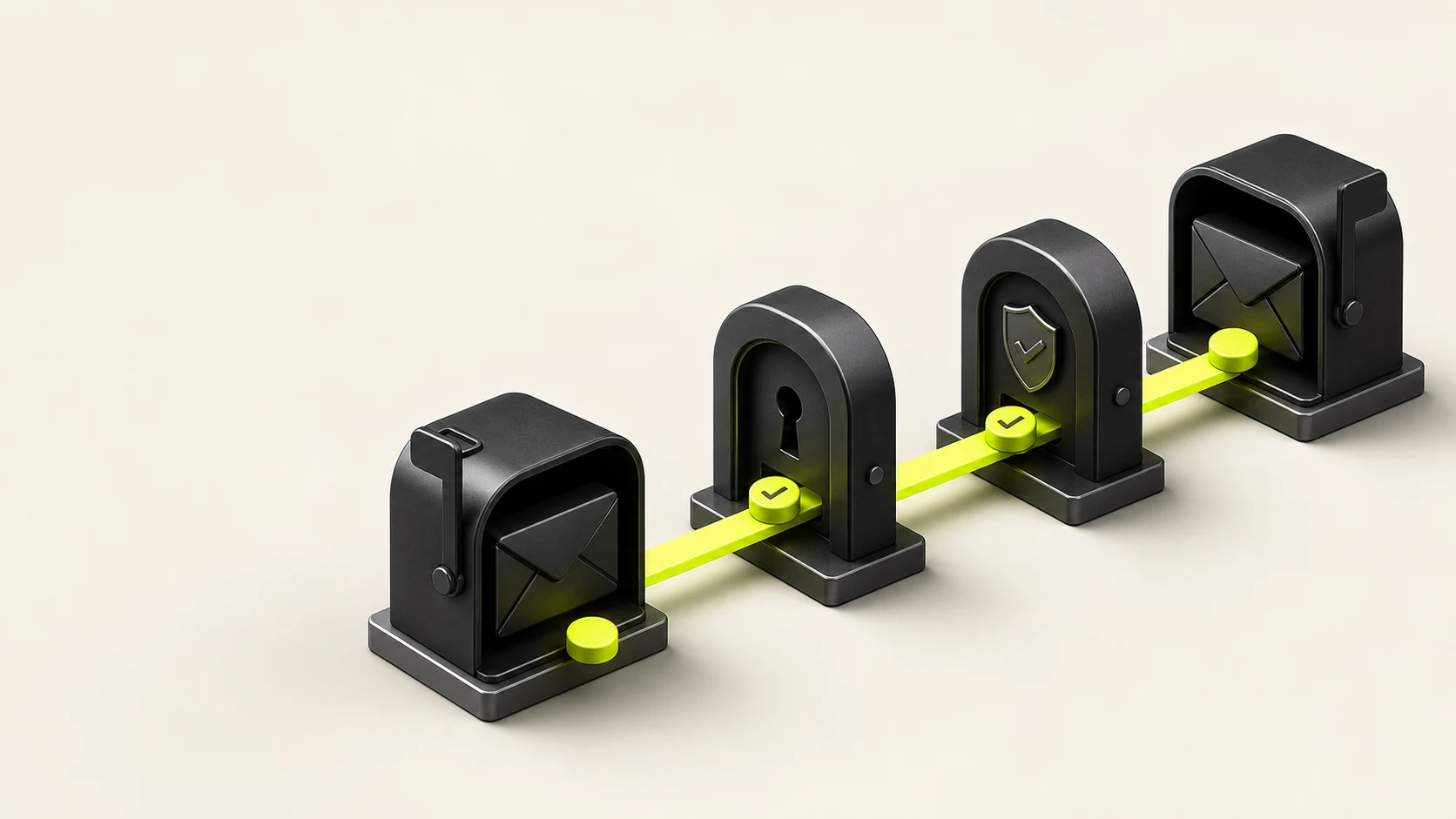
The two-mailbox flow
Better Auth's email change behavior depends on whether you configure current-email confirmation.
With sendChangeEmailConfirmation, the complete journey is:
- An authenticated user submits a new email address.
- Better Auth sends an approval link to the current address.
- Opening that link authorizes the request and triggers verification for the new address.
- The user opens the second link from the new mailbox.
- Better Auth updates the account email and redirects to the configured callback.
The first step tells the existing account owner that a sensitive change was requested. The second proves that the replacement address is deliverable and controlled by the same person.
Without current-email confirmation, Better Auth starts with verification of the new address. That is simpler, but anyone holding an authenticated session can initiate the change without proving access to the account's existing mailbox.
The official Better Auth user and account guide documents both modes and leaves the feature disabled until you enable it explicitly.
Configure both email stages
Enable the change and provide two different email callbacks:
import { after } from 'next/server';
import { betterAuth } from 'better-auth';

export const auth = betterAuth({
  user: {
    changeEmail: {
      enabled: true,
      sendChangeEmailConfirmation: async ({ user, newEmail, url }) => {
        after(() => {
          return sendCurrentEmailApproval({
            recipient: user.email,
            newEmail,
            approvalLink: url
          });
        });
      }
    }
  },
  emailVerification: {
    sendVerificationEmail: async ({ user, url }) => {
      after(() => {
        return sendEmailAddressVerification({
          recipient: user.email,
          verificationLink: url
        });
      });
    }
  }
});
The callback names in your application should make the recipients unambiguous:
sendCurrentEmailApprovalgoes to the address already stored on the accountsendEmailAddressVerificationgoes to whichever address Better Auth is asking the user to verify. During an email change, that is the proposed address after the first link is approved
Do not use one vague template for both messages. The current mailbox should say which new address was requested and offer guidance when the owner did not initiate the change. The new mailbox should say that opening its link completes verification.
The Achromatic starter kits keep these concerns separate: Better Auth creates and validates the links, React Email renders the message and the configured mail provider delivers it.
Keep email delivery outside the security decision
An email provider can be slow or temporarily unavailable. The HTTP response time should not reveal whether delivery performed extra work for a particular address.
Better Auth recommends dispatching transactional email without blocking the authentication request. The example uses Next.js after, which schedules the provider call after the response finishes and extends the request lifetime on supported deployments. When self-hosting, configure the runtime support described by Next.js or use a durable queue whose completion does not depend on the request remaining open.
The important distinction is:
- Better Auth owns the signed verification state and database mutation
- Your delivery layer receives an already-created URL and sends it to the intended mailbox
- A delivery retry must not invent a new account update
Do not put the raw verification token in logs, analytics events or error monitoring metadata. Treat the full URL as a credential until it expires or is consumed.
Build the account settings form
The browser starts the flow through authClient.changeEmail:
'use client';

import { authClient } from '@/lib/auth/client';

async function submitEmailChange(newEmail: string) {
  const { error } = await authClient.changeEmail({
    newEmail,
    callbackURL: '/dashboard/settings?tab=profile'
  });

  if (error) {
    throw new Error(error.message ?? 'Could not request email change');
  }
}
The callback should be a fixed application route or a value validated against your trusted origins. Do not accept an arbitrary URL from a query parameter and pass it through as the post-verification redirect.
Client-side validation improves the interaction but is not the security boundary. A small Zod schema can reject malformed or unchanged values before the request:
import { z } from 'zod';

export const changeEmailSchema = z.object({
  email: z.string().trim().email()
});
In the UI:
- Display the current address as read-only
- Label the new address explicitly
- Disable repeat submission while the request is pending
- Confirm that the first message was sent to the current mailbox
- Do not imply that the account email has already changed
The last point prevents a common support problem. After the first request succeeds, the user is waiting for two security checks—not an immediate profile update.
Write each message for its actual recipient
The approval email to the current address should contain:
- The proposed new address
- A clear “Approve email change” action
- A statement that the account has not changed yet
- Instructions to secure the account if the request was unexpected
- The visible destination URL as a fallback
The verification email to the new address should contain:
- A clear “Verify new email” action
- The product name and account context
- A statement that verification completes the change
- Expiration guidance that matches your Better Auth configuration
Avoid asking the user to reply to either message with passwords, codes or personal information. Never include a password or session token in the template.
You can preview both templates locally with React Email before exercising the live provider. Achromatic documents the shared email setup for Prisma and Drizzle.
Handle application-owned side effects carefully
Better Auth updates its user record after successful verification. Many SaaS applications also duplicate or derive identity data elsewhere:
- Audit logs
- Customer records
- Search indexes
- Notification preferences
- Analytics profiles
- External support or CRM systems
Do not update those systems when the form is submitted or when only the current mailbox approves the request. The proposed address is not the account identity until verification of the new mailbox completes.
If you run side effects after the final verification:
- Read the canonical user state after Better Auth completes its mutation.
- Scope the update by stable user ID, not by the old email alone.
- Make the handler idempotent so a retry cannot create duplicate records or notifications.
- Record the old and new values in an audit event without recording verification tokens.
- Decide deliberately whether active sessions should be refreshed or revoked.
Email addresses are mutable identifiers. Database relations and tenant membership should use the stable user ID.
Account linking is a separate decision
Changing an email and linking a social provider solve different problems.
If the proposed address already belongs to another account, do not merge identities silently. Better Auth exposes separate account-linking configuration for connecting credential and OAuth identities. Keep that policy explicit and test the conflict path.
Likewise, changing the local account email should not rewrite the email asserted by Google, GitHub or another provider. OAuth profile data belongs to the provider account; your application user is the stable identity that can hold several accounts.
The Better Auth options reference documents account linking independently from user email changes.
Test the complete sequence
A form-rendering test is not enough. Cover the state transitions that can strand or compromise an account.
Local and integration tests
Verify:
- The endpoint requires an authenticated session
- An invalid address is rejected
- The current address cannot be submitted as a meaningful change
- A conflicting address does not merge two users
- The first message is addressed to the current mailbox
- The first link alone does not update the account
- Approving the current mailbox triggers a message to the new mailbox
- The final link updates the canonical user
- Expired or malformed links leave the account unchanged
- Replaying a completed link does not repeat application side effects
Browser and staging smoke tests
Use dedicated test mailboxes to prove:
- The settings form shows an accurate pending-state message
- Both links open on the expected application origin
- The callback returns to account settings
- The old credential identifier works before completion
- The new credential identifier works after completion
- The session and displayed profile agree with the database
Provider-backed smoke tests belong in staging rather than the deterministic local Playwright suite. That keeps CI reliable while still catching delivery configuration, domain and redirect regressions.
Common mistakes
Updating immediately
Setting the email directly after form submission skips proof of mailbox control and can lock the owner out.
Confirming only the new address
This proves access to the destination but does not alert or involve the current mailbox. Decide whether that is sufficient for your threat model rather than accepting the simpler default accidentally.
Sending both messages with the same copy
The user cannot tell whether a link authorizes the request or completes it. Distinct subjects and actions make the security state clear.
Trusting a client callback URL
An unvalidated redirect can turn a legitimate verification message into an open-redirect or phishing path.
Triggering side effects too early
CRM, analytics or audit integrations should observe the final verified identity, not a pending request.
Using email as a relation key
An email change should not break organization membership, billing ownership or application data. Reference a stable user ID.
Production checklist
Before enabling email changes:
- Current-email confirmation is enabled when your threat model requires it
- The current and new mailboxes receive purpose-specific templates
- Verification URLs use the canonical HTTPS application origin
- Callback destinations are fixed or allowlisted
- Token-bearing URLs are excluded from logs and analytics
- Delivery runs through a request-safe background or queue mechanism
- Conflicting destination addresses fail safely
- Application side effects wait for final verification and are idempotent
- Audit records use stable user IDs
- Session behavior after completion is tested and documented
- Expired, malformed and replayed links cannot change the account
- A staging smoke test proves both real messages and redirects
Treat the email as an identity
The safest implementation is also the easiest to explain: approve the request from the current mailbox, verify the replacement mailbox and only then change the account.
Better Auth handles the signed state and core mutation. Next.js supplies the account settings and callback experience. React Email makes each step understandable. Your application is responsible for keeping redirects, delivery and downstream side effects inside that verified boundary.
Both Achromatic Pro editions ship the form, Better Auth configuration and transactional email foundation needed for this flow. Start with the Prisma authentication guide or Drizzle authentication guide.