
On this page5 sections
New Billing Page
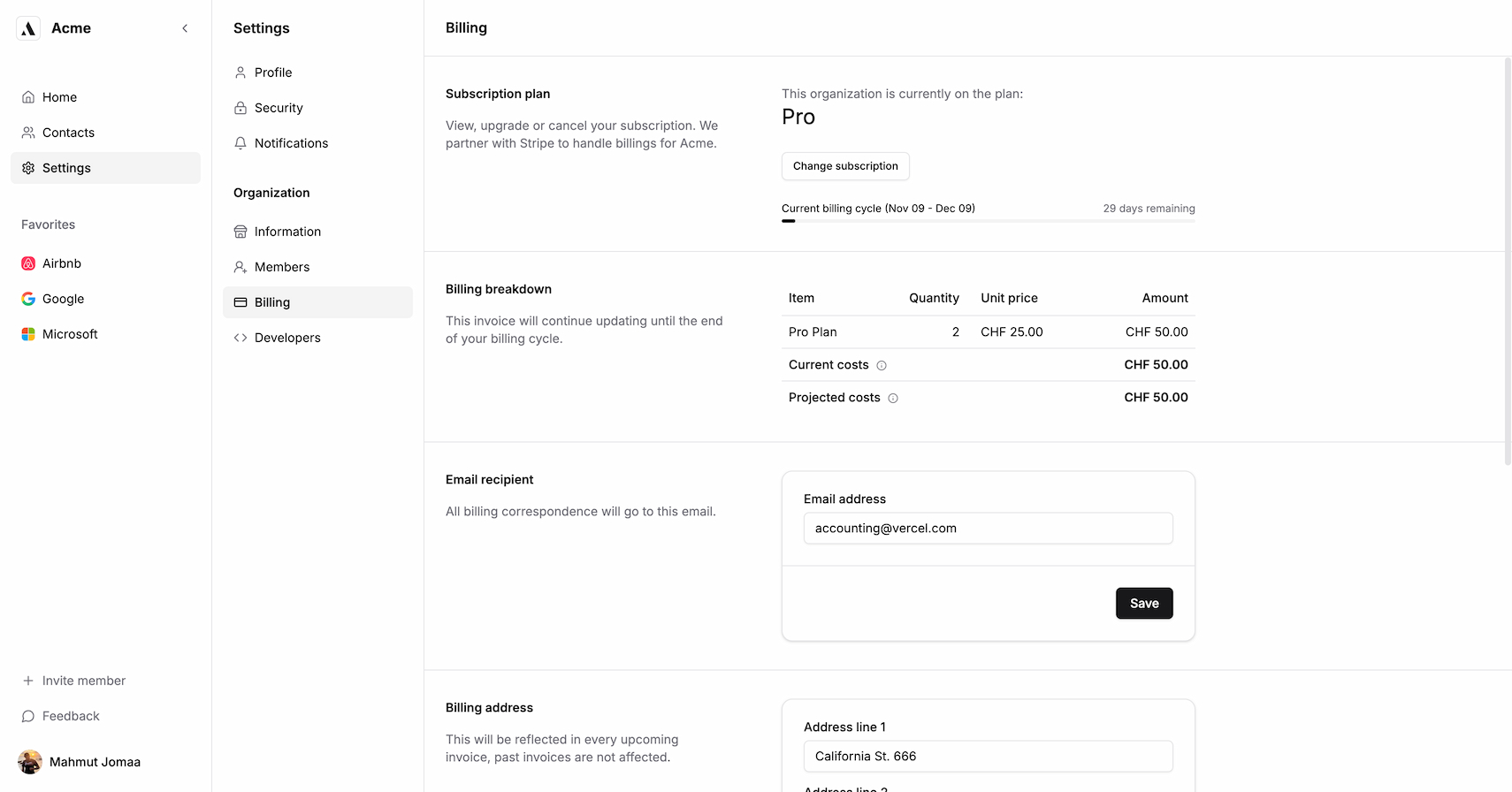
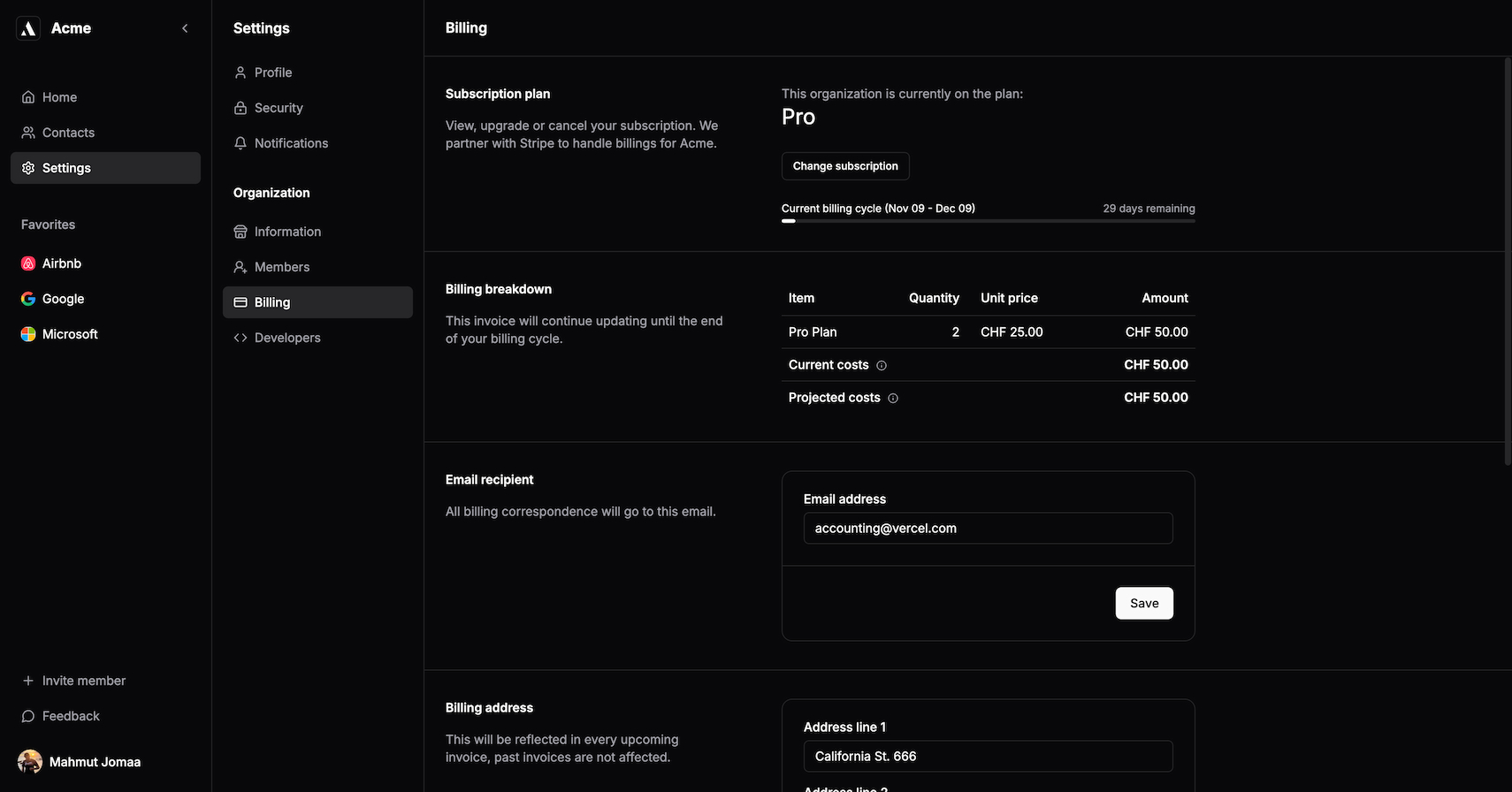
The redesigned billing page now presents all essential information in five clearly organized sections:
- Subscription plan: View and manage your current subscription.
- Billing breakdown: Cost analysis about the upcoming invoice.
- Email recipient: All invoices go to this email.
- Billing address: Update your organization's billing information.
- Invoices: List of the billing/invoice history.
Billing Unit
We've introduced customizable billing units to better accommodate different setups:
- Per Seat: Pay based on the number of team members
- Per Organization: Single flat rate for the entire organization
You can set the BILLING_UNIT in the .env configuration:
# BILLING

NEXT_PUBLIC_STRIPE_PUBLISHABLE_KEY=
STRIPE_SECRET_KEY=
STRIPE_WEBHOOK_SECRET=
PRO_PRODUCT_ID=
PRO_PRODUCT_PRICE_ID=
// [\!code highlight:1]
BILLING_UNIT=per_seat # per_seat | per_organization
The configuration defaults to per_organization if not set.
Database Schema Update
We've refined our terminology by renaming billingPlan to tier in the organization model, making it more versatile for different payment scenarios (subscriptions, one-time payments, etc.).
model Organization {
  // ...
  tier                String       @default("free") @db.VarChar(255)
  // ...
}
To apply the changes run:
- Local development:
npx prisma migrate dev - Production:
npx prisma migrate deploy
Minimal Setup
Most things are handled automatically. You don't have to replicate your Stripe plans in a config file or anything like that. For example in the Screenshot above we are using using CHF instead of $.
You only need three environment variables:
PRO_PRODUCT_IDPRO_PRODUCT_PRICE_IDBILLING_UNIT
Update: This billing system has been superseded by a comprehensive billing overhaul with support for lifetime plans, metered billing, and more.
Current implementation
For current setup instructions, see the Pro Prisma billing guide or Pro Drizzle billing guide.
For full billing documentation, see our starter kit guides: