On this page6 sections
You built something amazing with Lovable, v0, Bolt, or Replit. The prototype is working, users are signing up, and suddenly you realize: this thing might actually become a real business.
But now you're hitting walls. The monthly bills are adding up. The generated code is becoming harder to modify. You need features that do not fit the platform's defaults. And you're starting to assess how portable your code, data, and deployment really are.
This guide explains how to assess that transition, preserve the parts that already work, and move incrementally to a production-ready codebase.
Why Teams Outgrow AI Code Generators
AI code generation platforms are incredible for getting started. They lower the barrier to building software and let you validate ideas in hours instead of weeks. But they come with trade-offs that become painful as you scale:
The Recurring Cost Problem
AI development platforms commonly combine subscription tiers with usage limits or usage-based charges. Before migrating, export your invoices and measure the actual cost of development, hosting, storage, bandwidth, and third-party services for your application. Pricing changes frequently, so use each provider's current pricing page rather than a static comparison table.
A source-code starter kit changes where the implementation lives, but it does not eliminate hosting, database, email, observability, or other third-party costs.
Code Quality Concerns
AI-generated code often has issues that don't surface until you scale:
- Inconsistent patterns - Different parts of the app follow different conventions
- Missing error handling - Happy path works, edge cases crash
- Security gaps - Authentication and authorization that looks right but isn't
- Performance problems - No caching, redundant queries, unnecessary re-renders
- Technical debt - Quick fixes that become permanent problems
Teams can spend weeks debugging issues that stem from generated code making assumptions that don't hold in production.
Limited Customization
These platforms excel at common patterns but struggle with:
- Complex multi-tenant architectures
- Custom billing logic (usage-based, per-seat, hybrid)
- Advanced authentication (SSO, SAML, organization-level permissions)
- Integration with specific third-party services
- Performance optimization for your specific use case
When you need something the platform doesn't support well, you're stuck.
Vendor Lock-in
What happens if:
- The platform raises prices significantly?
- They discontinue features you depend on?
- They get acquired and change direction?
- You need to bring on developers who don't know the platform?
These scenarios become risks when your application still depends on platform-specific hosting, integrations, or deployment workflows. Check what you can export, which services remain proprietary, and how you would operate the application independently.
The Migration Path
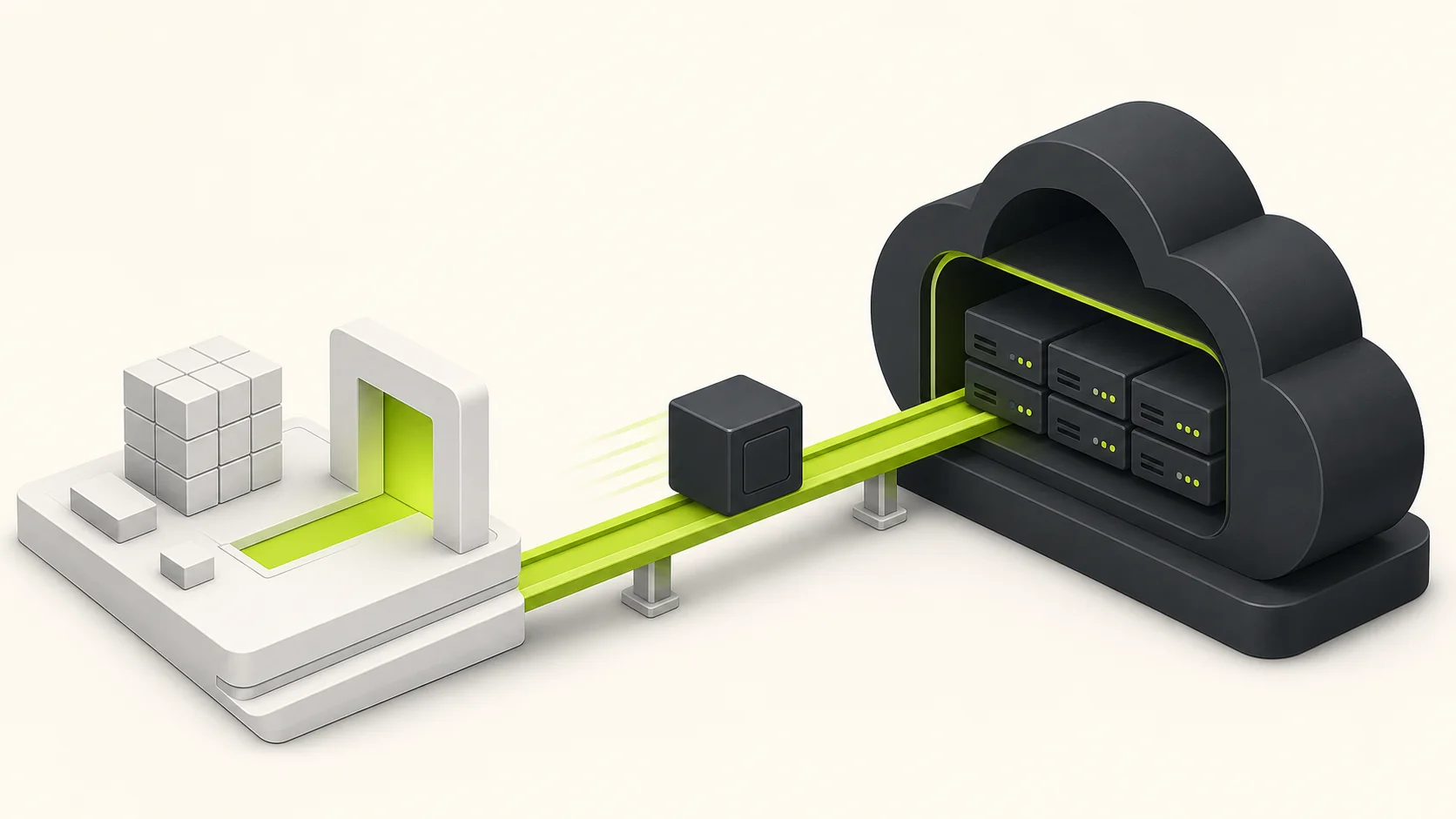
Moving from an AI code generator to a production codebase isn't as daunting as it might seem. Here's how we approach it:
Step 1: Audit What You Have
Before migrating, understand what you're working with:
- Features inventory - List every feature and user flow
- Data model - Document your database schema and relationships
- Integrations - Note all third-party services (Stripe, auth providers, etc.)
- Custom logic - Identify business rules that are specific to your product
Step 2: Choose the Right Foundation
Don't start from scratch. Use a production-ready starter kit that includes:
- Authentication (email and password, OAuth, MFA)
- Billing integration (Stripe subscriptions, one-time payments, credits)
- Multi-tenancy (organizations, teams, role-based access)
- Database setup (migrations, seeding, type-safe queries)
- UI components and dashboard pages
- Deployment configuration (Vercel, Railway, Docker)
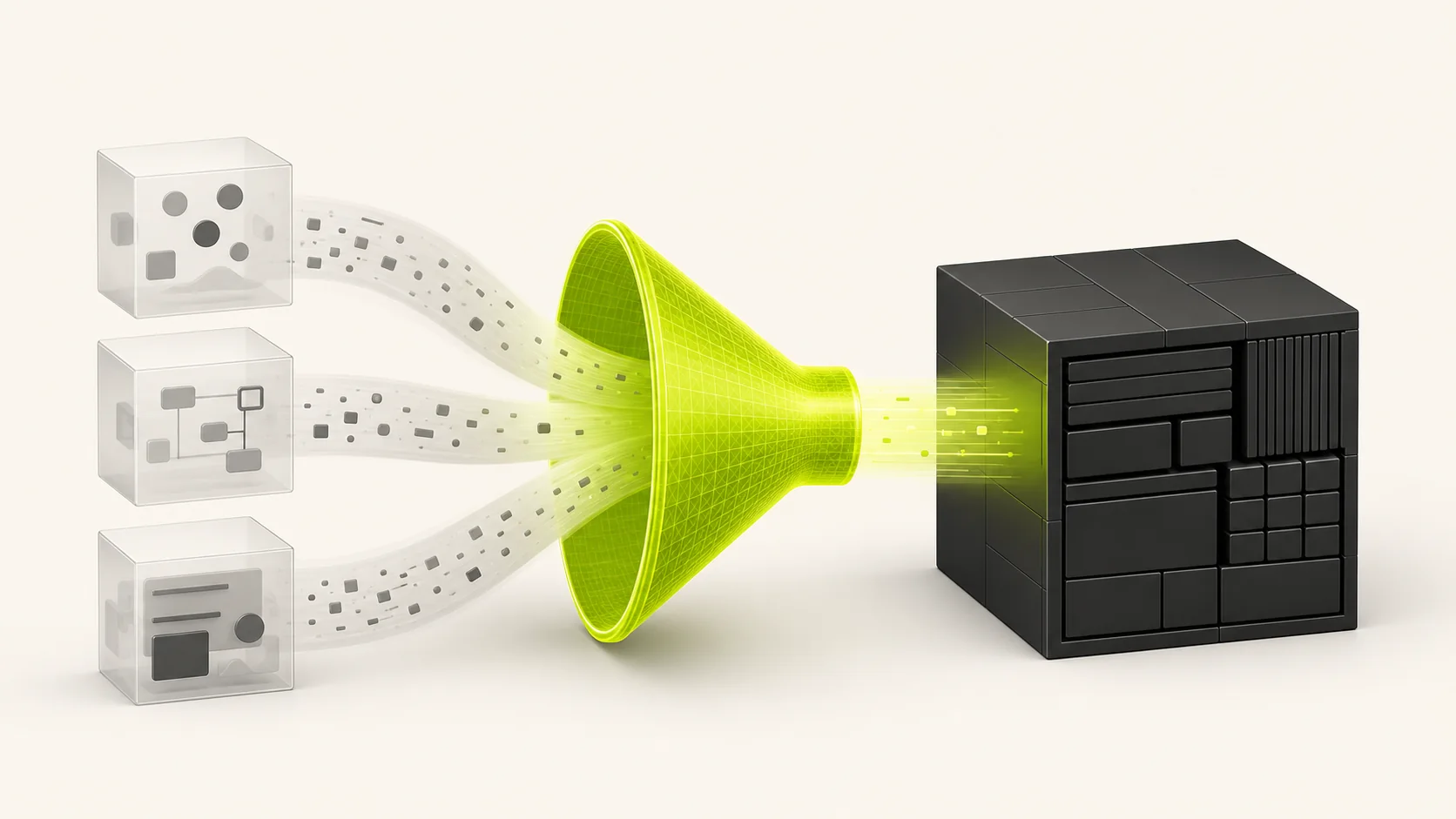
This gives you a connected foundation without regenerating each common SaaS flow independently.
Step 3: Migrate Incrementally
Don't try to rebuild everything at once:
- Set up the new codebase with your starter kit
- Migrate authentication first - this is foundational
- Move your data model and seed with production data
- Rebuild features one at a time, starting with the most critical
- Test thoroughly before switching users over
- Run in parallel until you're confident in the new system
Step 4: Improve as You Go
Migration is an opportunity to fix issues in the original code:
- Add proper error handling and loading states
- Implement caching for frequently accessed data
- Set up monitoring and error tracking
- Add comprehensive input validation
- Write tests for critical paths
Why Achromatic for Your Migration
The current Achromatic starter kits can provide the SaaS foundation while you rebuild the product-specific parts of your application.
One-Time License, Lifetime Access
One purchase grants an ongoing license to use and modify the source code for unlimited end products, subject to the Achromatic License. The product is licensed, not sold, and third-party infrastructure costs remain separate. The license includes access to updates that Achromatic makes available for the current kits.
Production-Grade Architecture
Choose the Pro Prisma or Pro Drizzle repository. Each is a straightforward single-repository Next.js 16 application with Better Auth, Stripe billing, organizations, dashboard pages, email, observability, and deployment guides. Review the documentation for the exact implementation and decide which parts fit your migration.
AI Context Files
The current starter kits include project-specific context for coding assistants:
CLAUDE.mdandAGENTS.mdfiles that help AI understand the codebase- Cursor rules for consistent code generation
- Documented patterns that assistants can follow
- Strict TypeScript types that make generated changes easier to review
Current Product Adoption
More than 850 Achromatic licenses have been sold since the first release in September 2024. That number represents licenses sold, not 850 verified companies or migration projects.
Build a Verifiable Migration Plan
Migration outcomes depend on the application, so establish a baseline instead of relying on generic success stories:
- Record current infrastructure, platform, and third-party costs.
- Export the repository and identify platform-specific dependencies.
- Measure build time, page performance, error rates, and critical user flows.
- Map every feature and data migration to an owner and acceptance test.
- Run the old and new systems in parallel before switching production traffic.
- Compare the same measurements after migration and document the result.
This gives you evidence for the decision and a rollback point if the new implementation does not meet the agreed targets.
We're Here to Help
If you're evaluating a Lovable, v0, Bolt, or Replit migration, contact support with your current stack and required features. We can clarify what the current kits include and what you would need to implement. Custom migration work is not included with the standard license unless agreed separately.
Getting Started
Ready to make the move? Here's what to do:
- Check out our starter kits - Find the one that matches your stack
- See the live demo - Experience what you're getting
- Contact us - For complex migrations or custom requirements
Choose a cutover date only after the new implementation meets the acceptance criteria you recorded during the audit.
Building on a solid foundation isn't just about the code - it's about having the confidence to scale without fear. That's what a production-ready starter kit gives you.